WR Score for Mac and Windows.
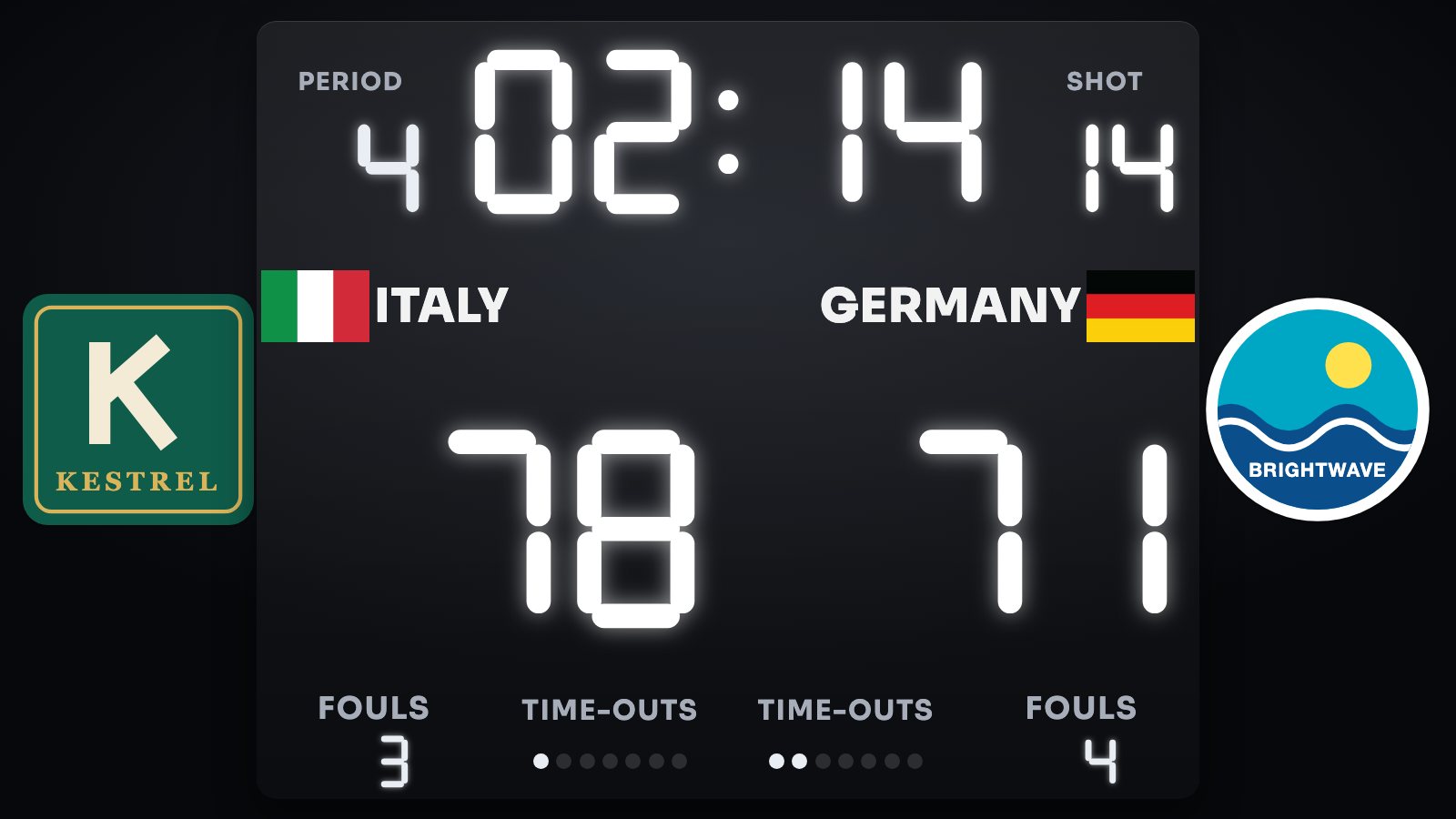
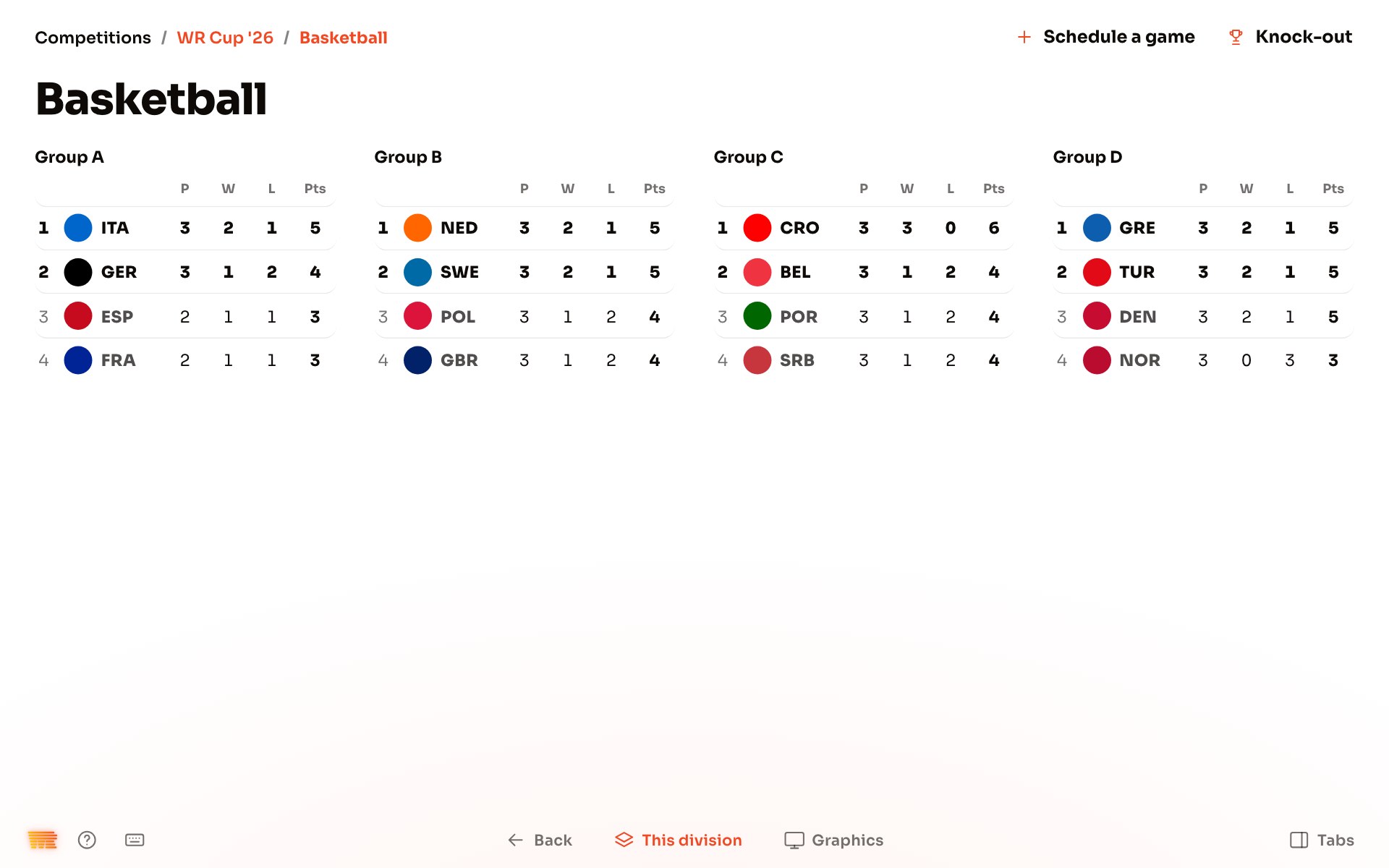
Keep the score, show it on every screen and stream your games, from your own device.
The download opens soon.
Want to start before then? Join the Closed Beta.
Ready for named testers.
To try it, write to score@well.run. We'll tell you when it's ready for you.
Join the Closed Beta.
Leave your e-mail, your sport, your country and who you are. We choose the first testers from this list.
From download to your first game.
When the download opens, these are the steps.
-
Open the .dmg.
Double-click the file you downloaded.
-
Drag WR Score to Applications.
Drop the WR Score icon on the Applications folder in the window that opens.
-
Open it.
Open WR Score from Applications. The first time, macOS asks whether to open an app downloaded from the internet: click Open.
-
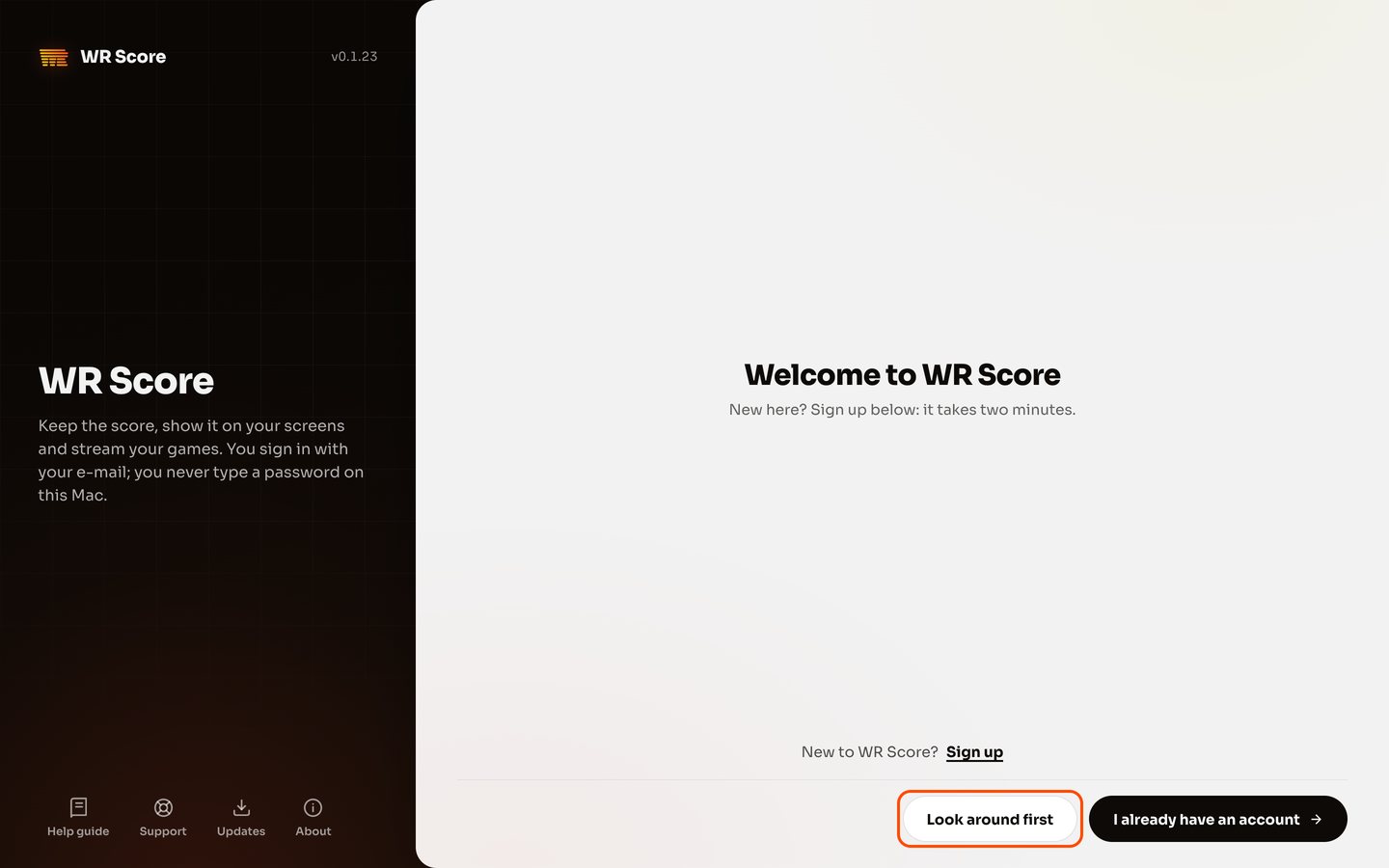
Press Make your account.
The sign-up page opens in your browser. Type your name and e-mail, and we send you an e-mail.
-
Open our e-mail.
Choose a password, then name your club and where you play.
-
Go back to WR Score.
It is signed in by itself.
-
Allow the camera, if you use one.
When macOS asks, allow the camera, and the microphone or screen recording if you use them. Updates install by themselves.
Stuck on a step?
On WhatsApp: @wellrun. Messages only. Or write to score@well.run.