Competitions
Set up your first competition.
Make a league or a cup from nothing, and put its first game on the schedule.
You need: WR Score signed in, and the names of the clubs that play.

-
Step 1
Open Competitions.
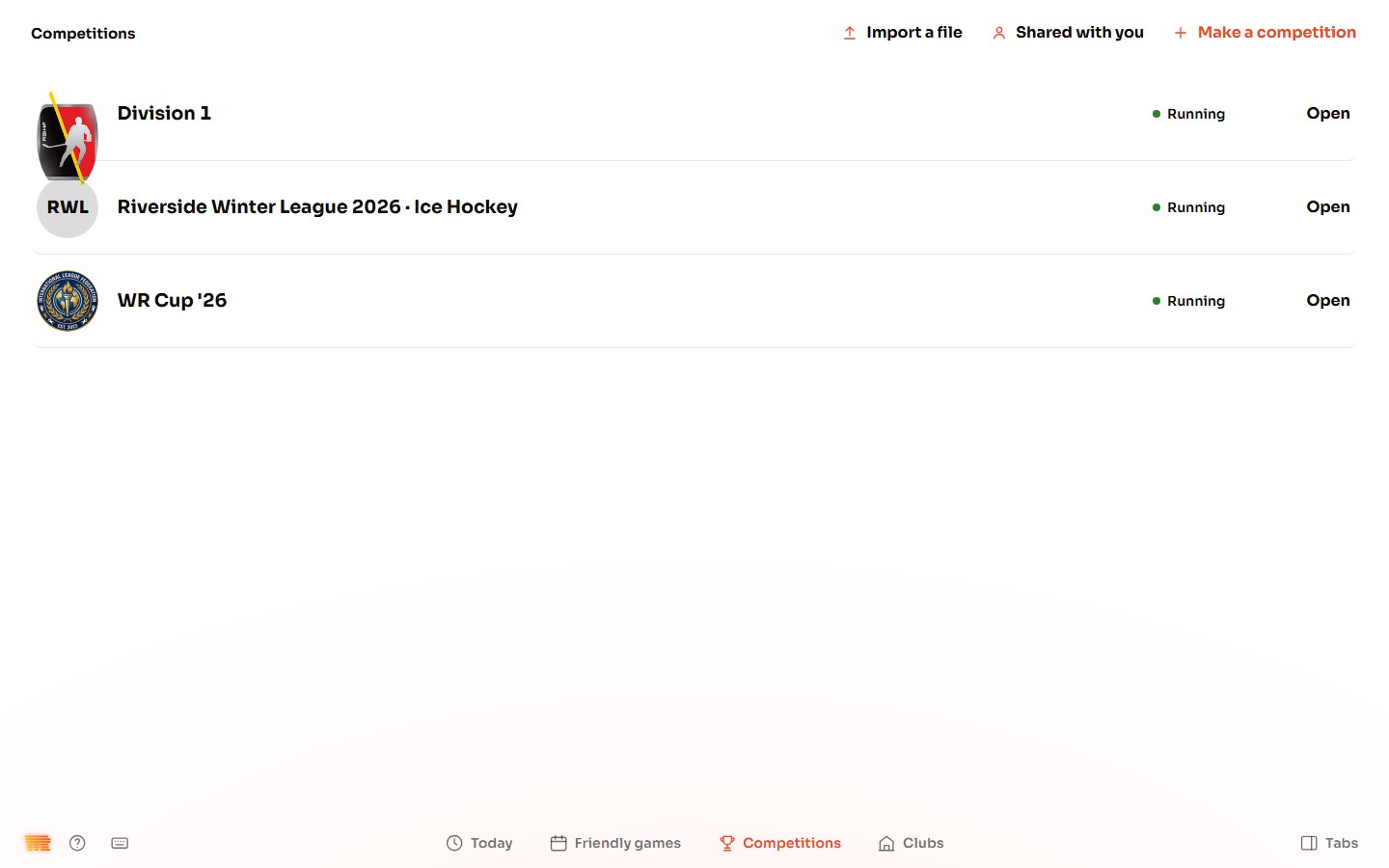
Open Competitions from the tabs on the right (press Tabs at the bottom right if they're hidden), then Competitions in the bar at the bottom, and press Make a competition at the top.
-
Step 2
Name it and pick the sport.
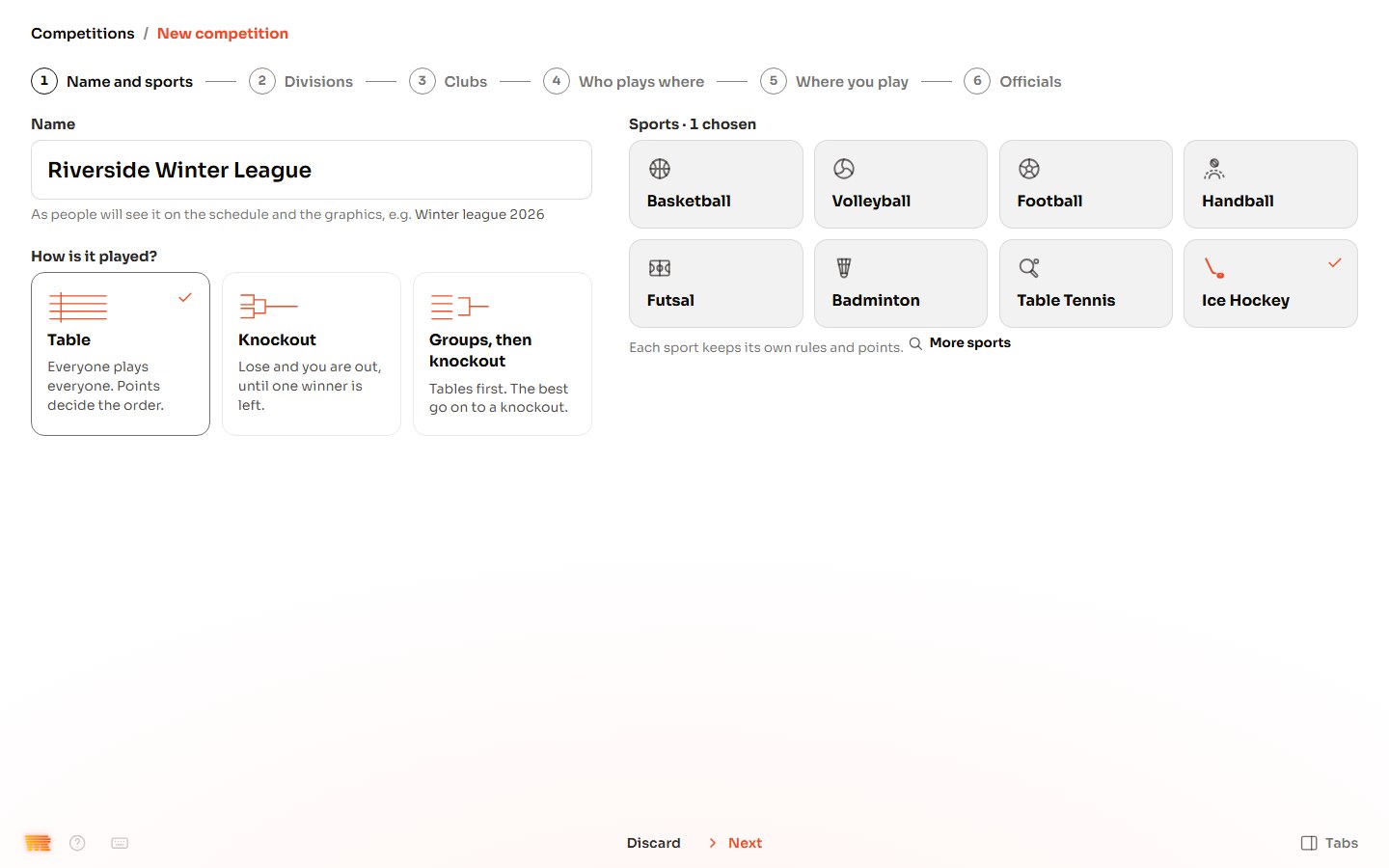
Type the name as people will see it on the schedule and the graphics, for example Riverside Winter League 2026. Choose how it's played: Table, Knockout, or Groups, then knockout. Pick its sport; a competition can have more than one. Not in the list? Press More sports. Press Next.
-
Step 3
Pick the divisions.
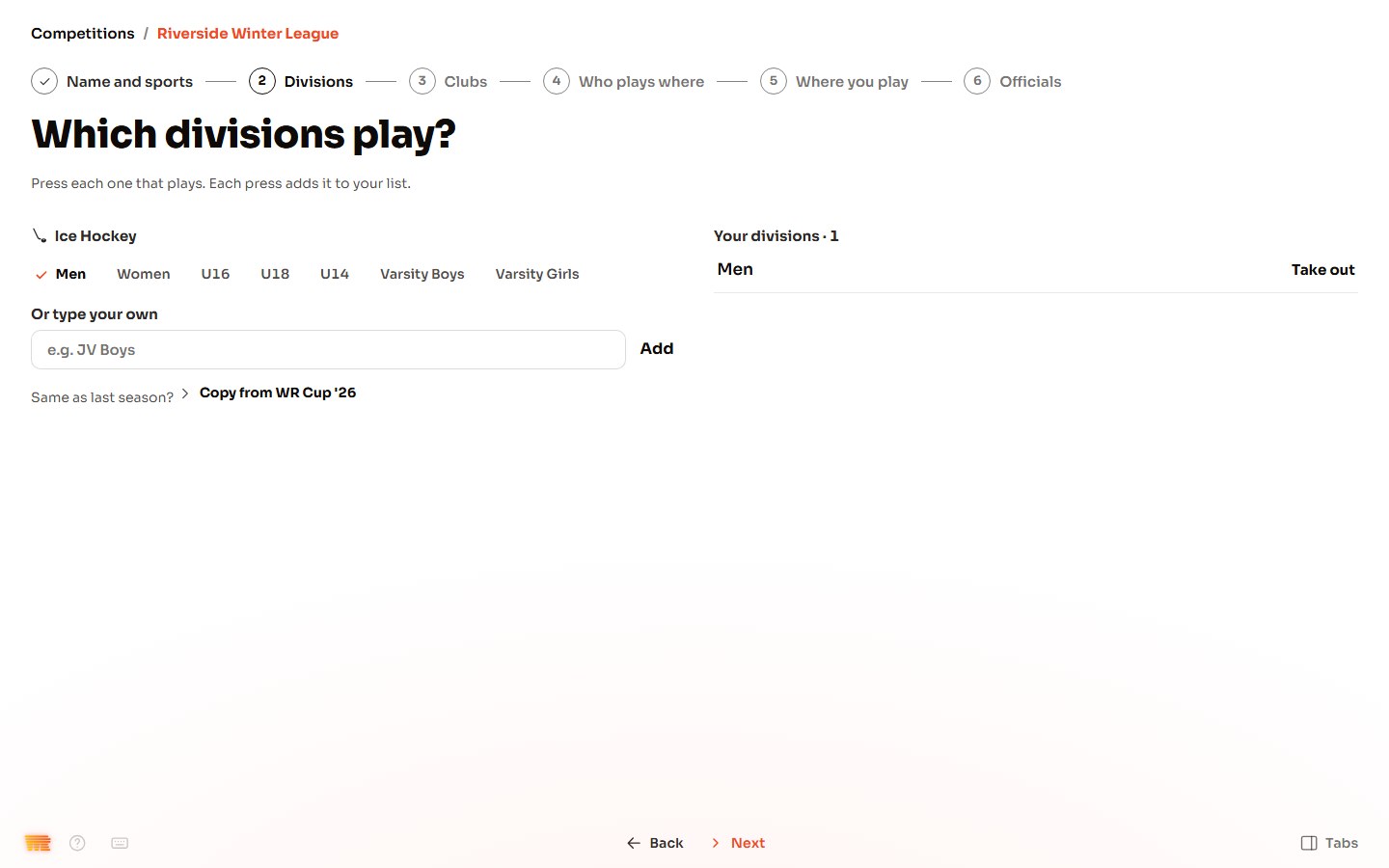
Press each division that plays, for example Men. For one that isn't listed, type it under Or type your own and press Add. Same as last season? Press Copy from and the last competition. Press Next.
-
Step 4
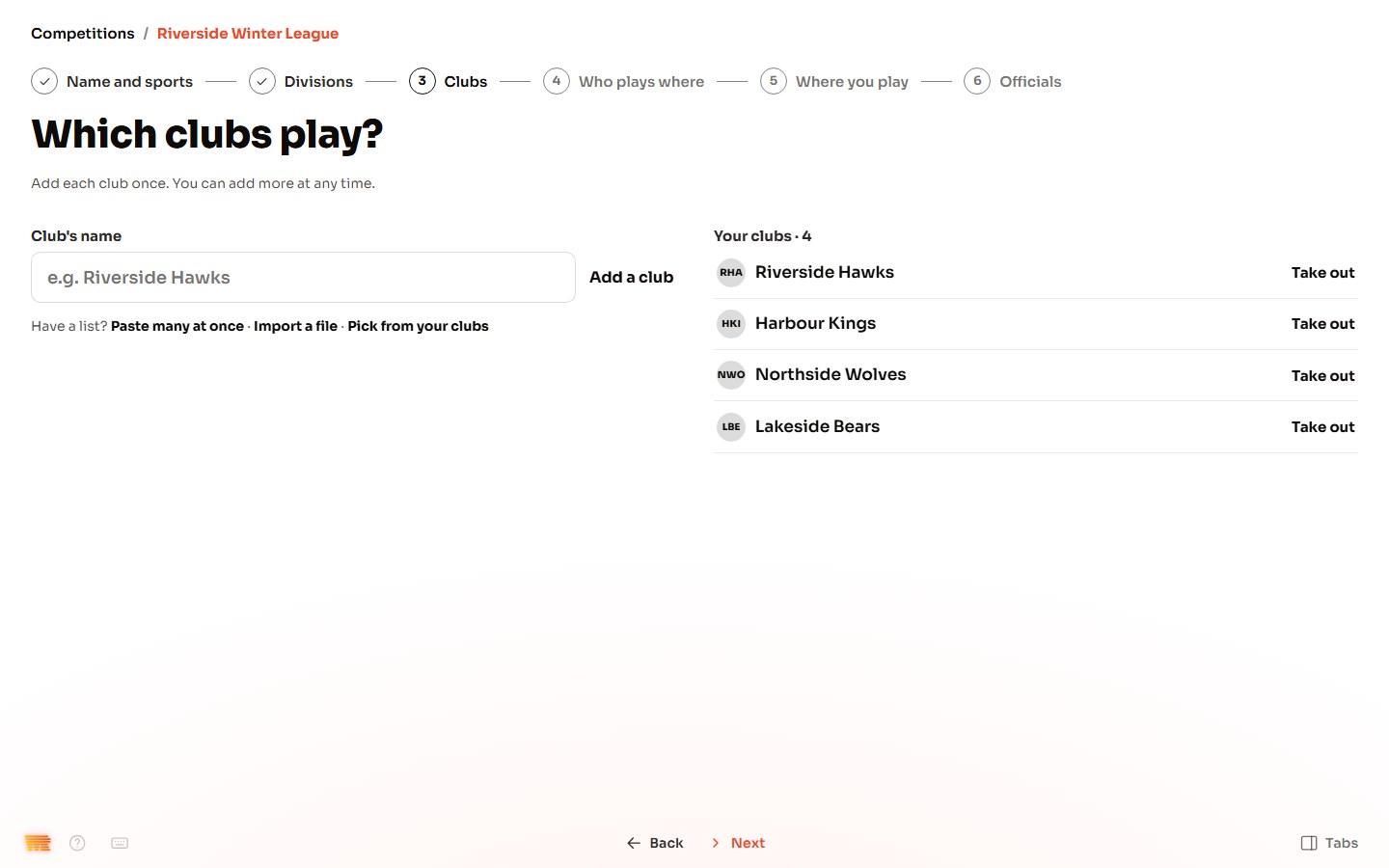
Add the clubs.
Type a club's name and press Add a club, for each club. Have a list? Use Paste many at once or Import a file, or Pick from your clubs. Press Next.
-
Step 5
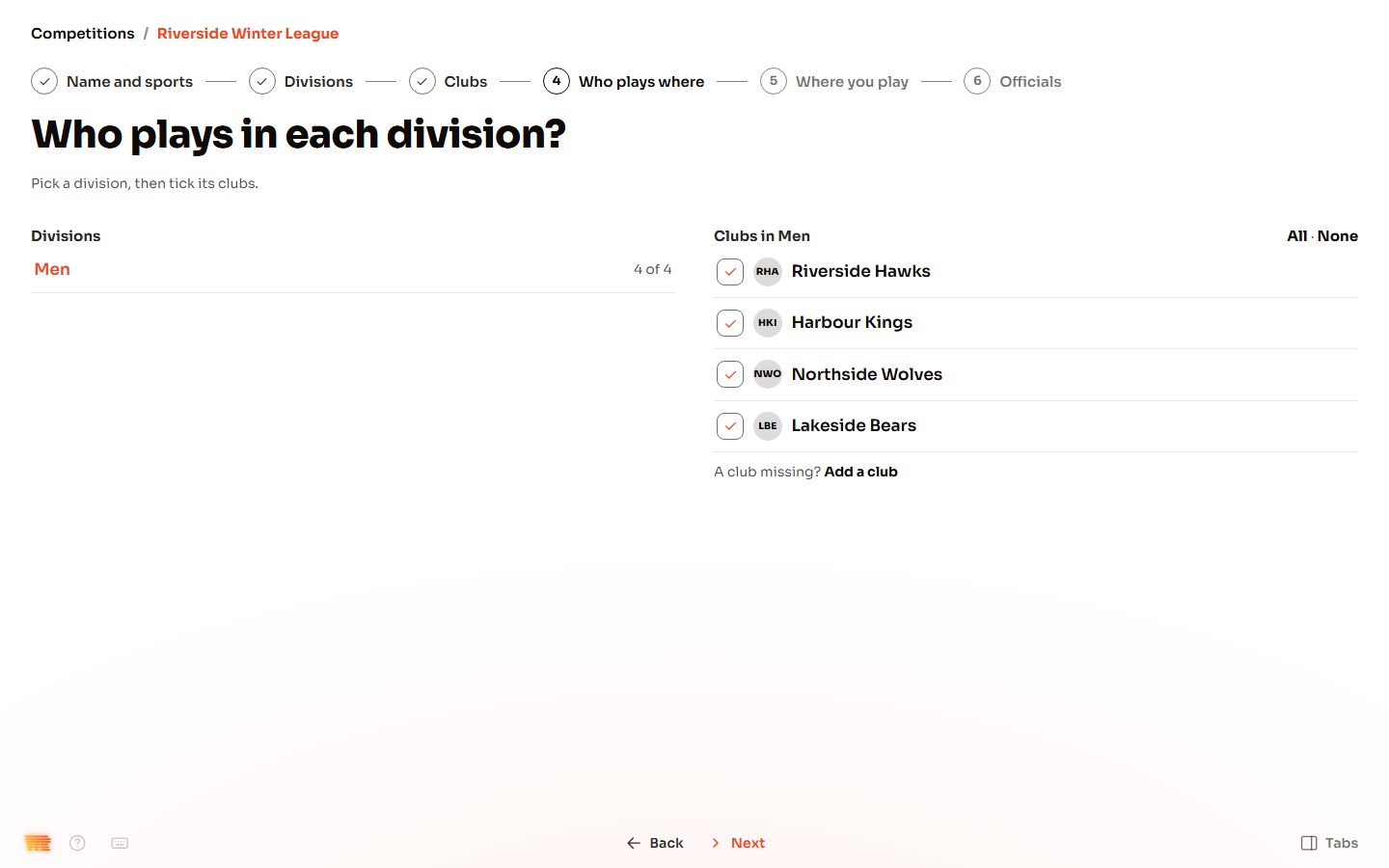
Say who plays where.
Pick a division, then tick its clubs; All ticks every club. Press Next.
-
Step 6
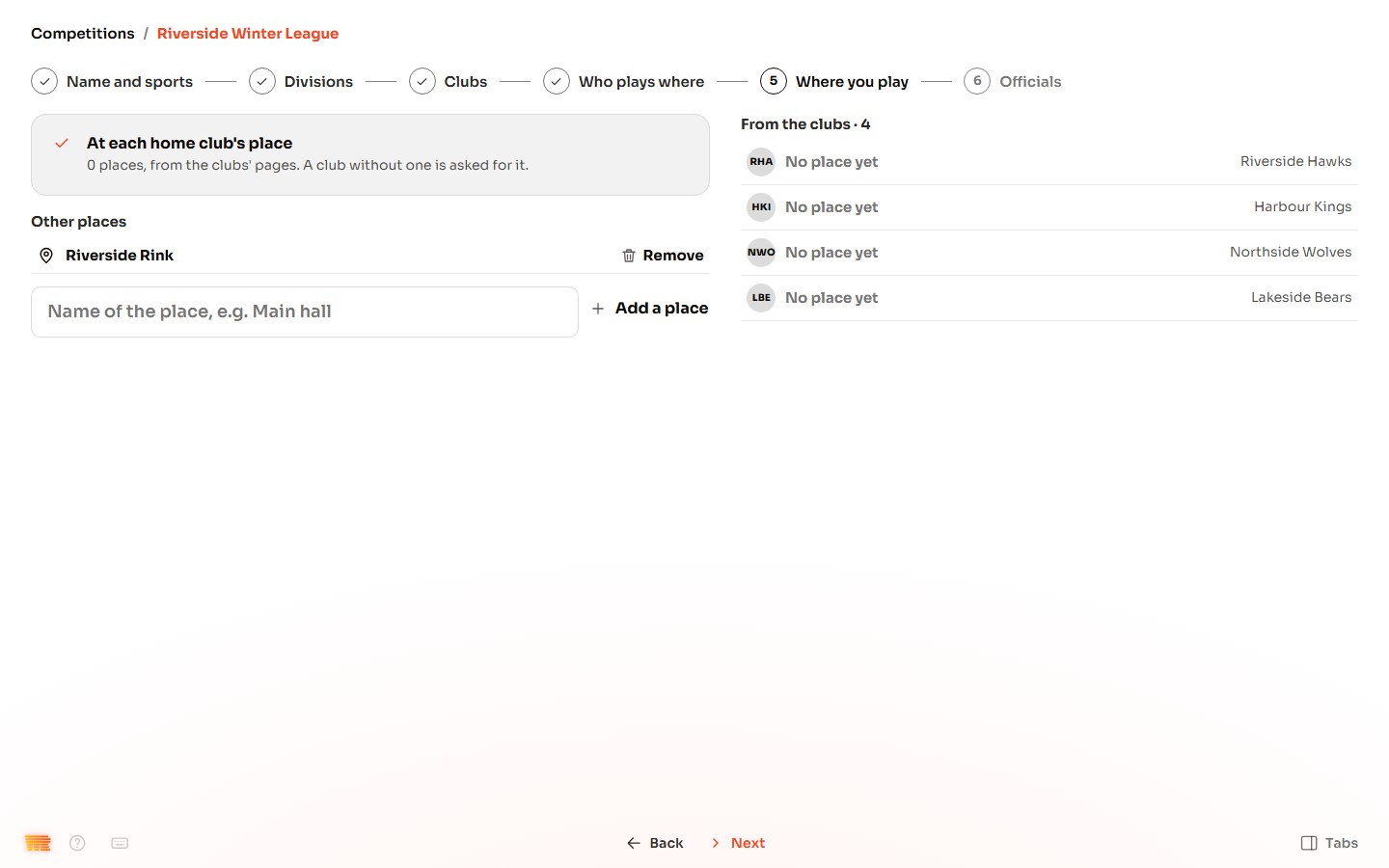
Add where you play.
Games are played at each home club's place. To add another place, type its name and press Add a place. Press Next.
-
Step 7
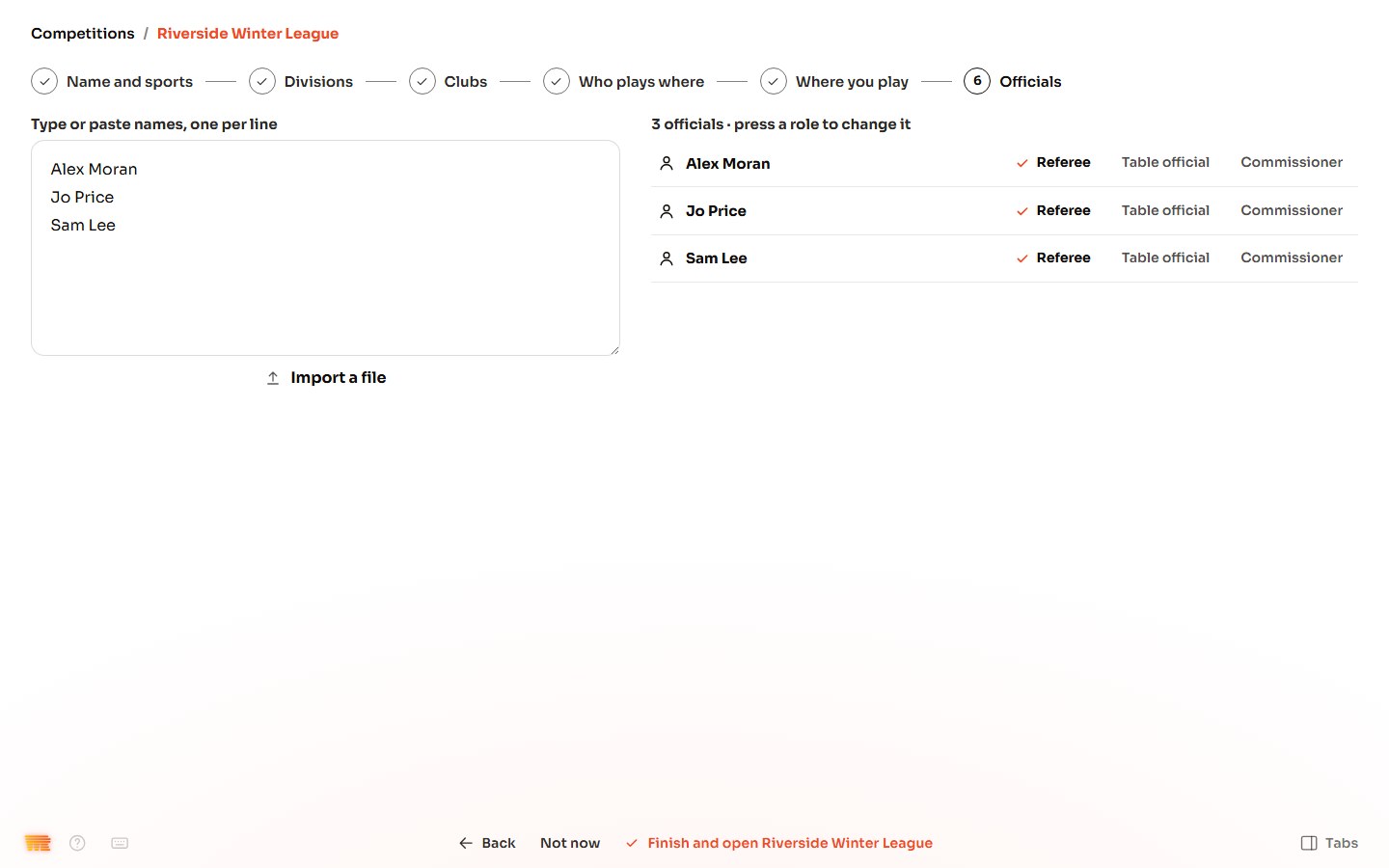
Add the officials.
Type or paste the officials' names, one per line, or press Import a file. Each comes in as Referee; press Table official or Commissioner beside a name to change it. Press Finish and open with the competition's name. No officials yet? Press Not now.
-
Step 8
Your competition is ready.
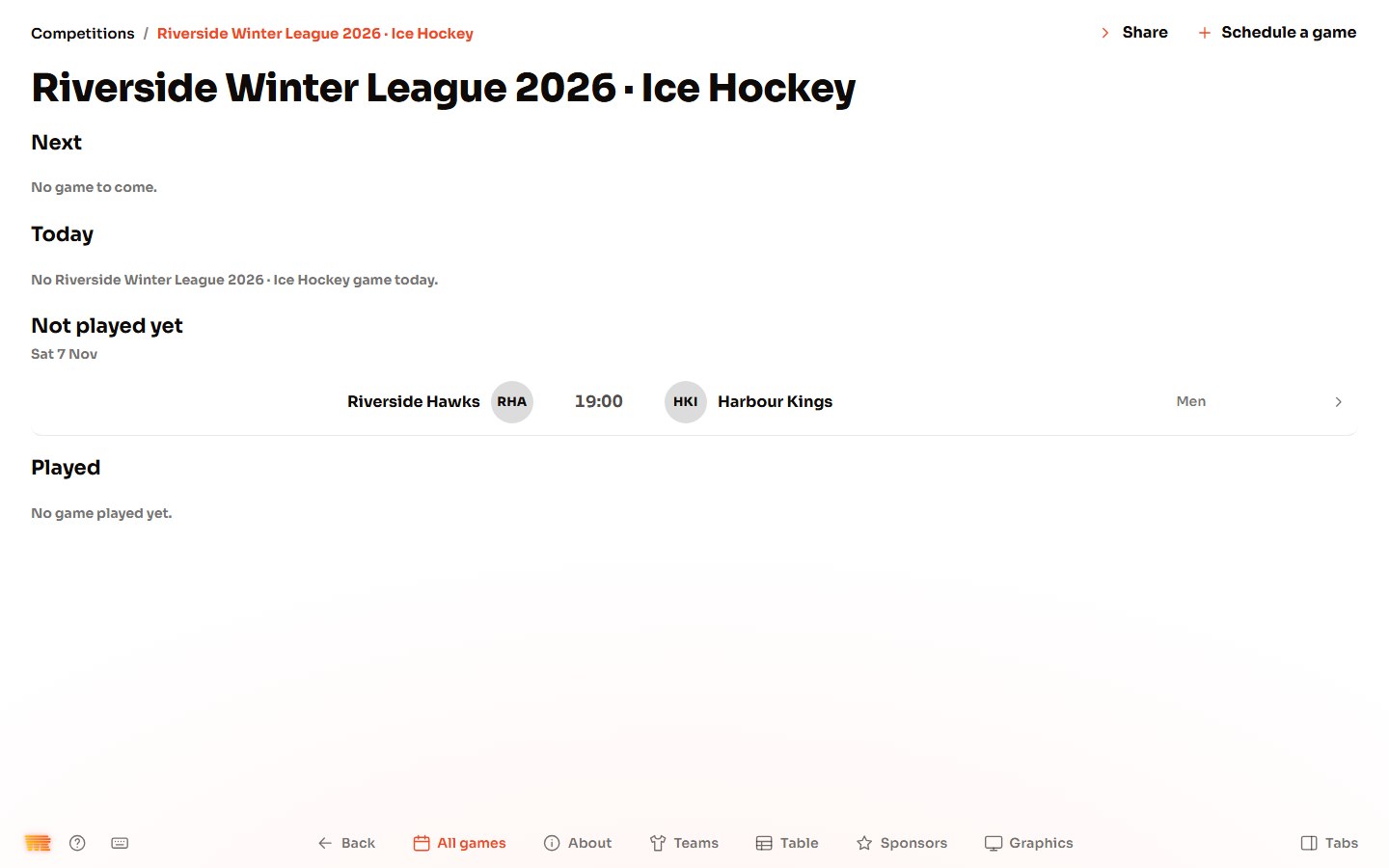
It opens on All games. To add a game, press Schedule a game at the top, or Add a game while it has none.
-
Step 9
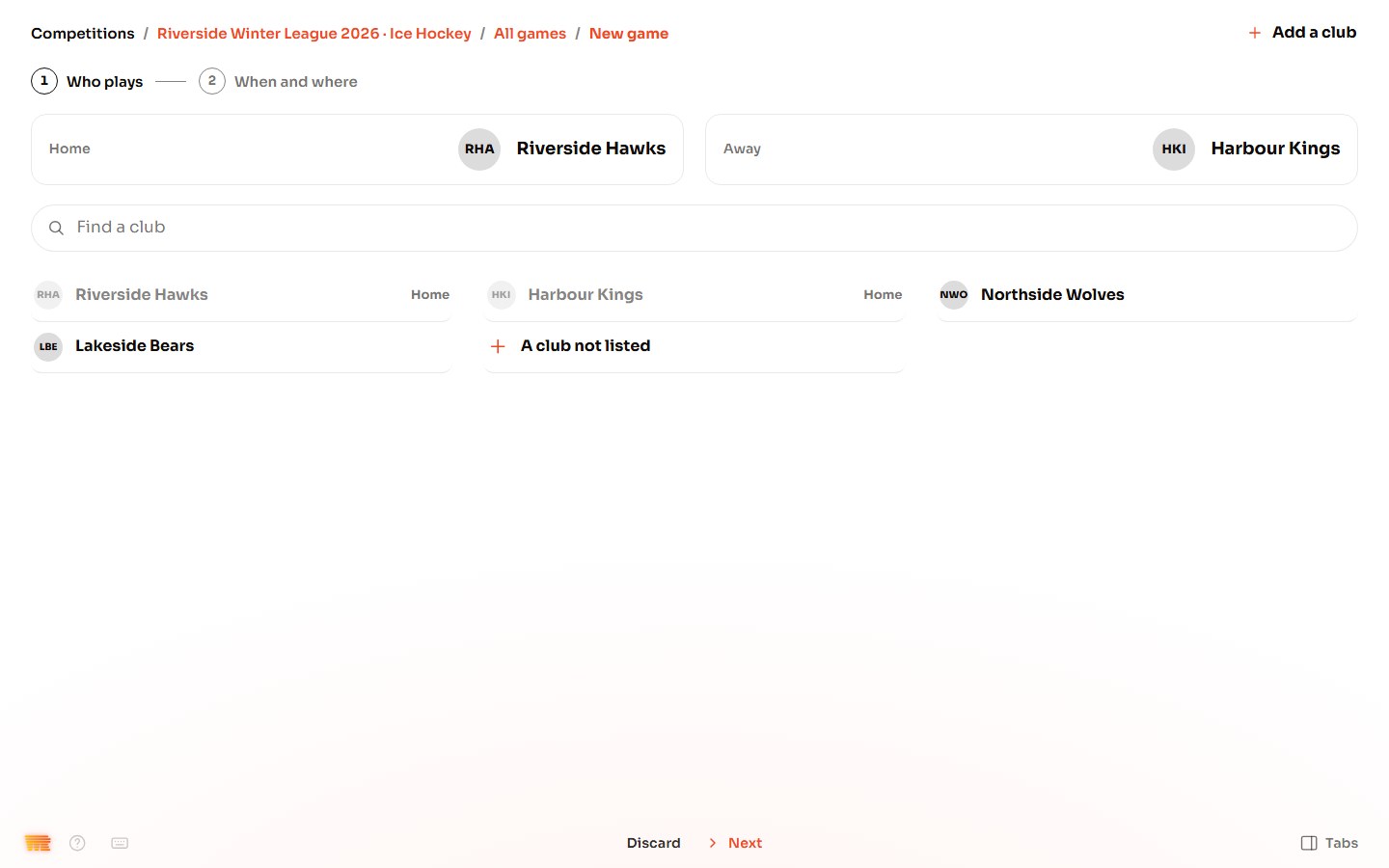
Pick who plays.
Press the home club, then the away club. Press Next.
-
Step 10
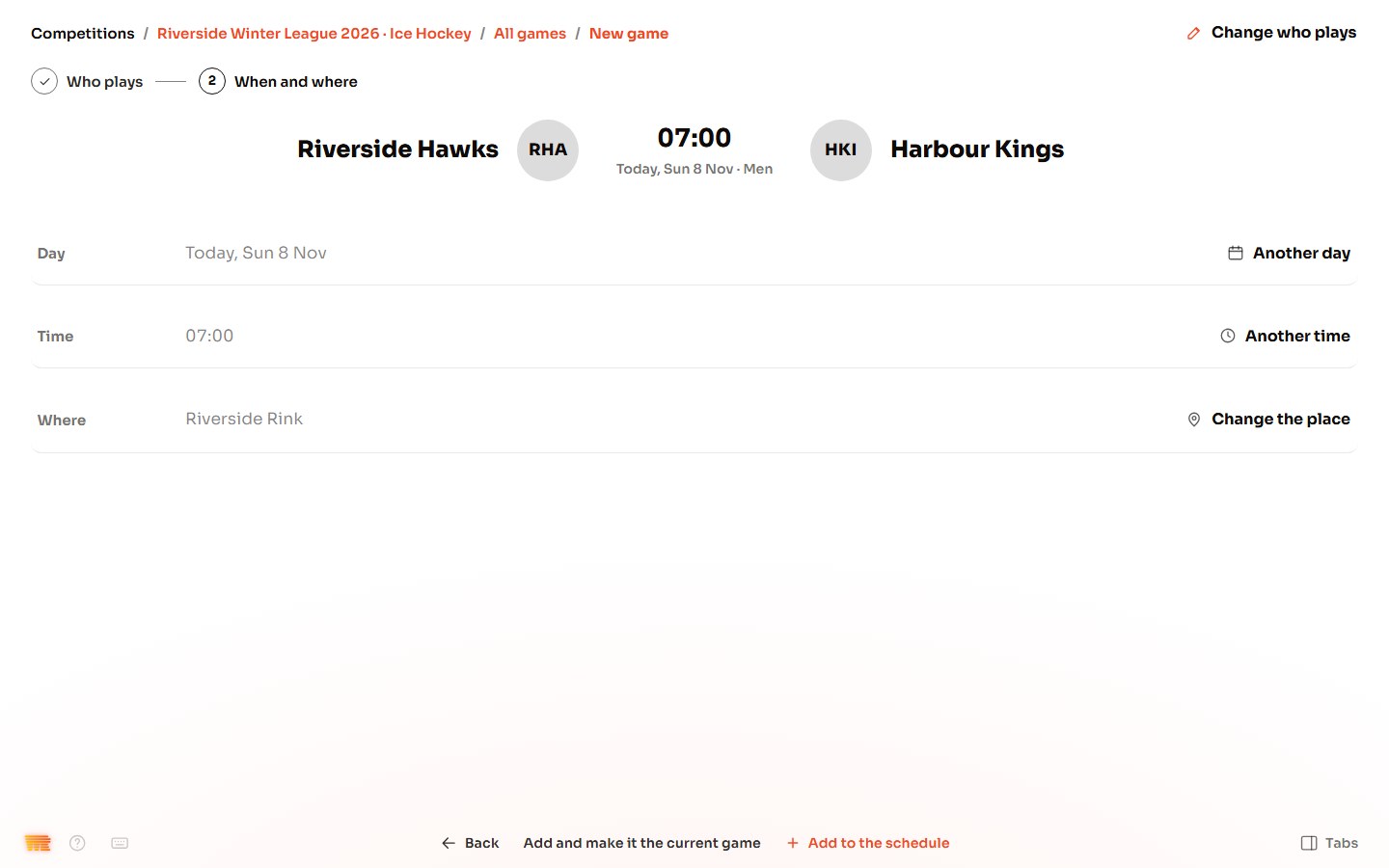
Set when and where.
WR Score fills in a day, a time and the home club's place. To change one, press Another day, Another time or Change the place. Press Add to the schedule. To play it now, press Add and make it the current game.
-
Step 11
Your first game.
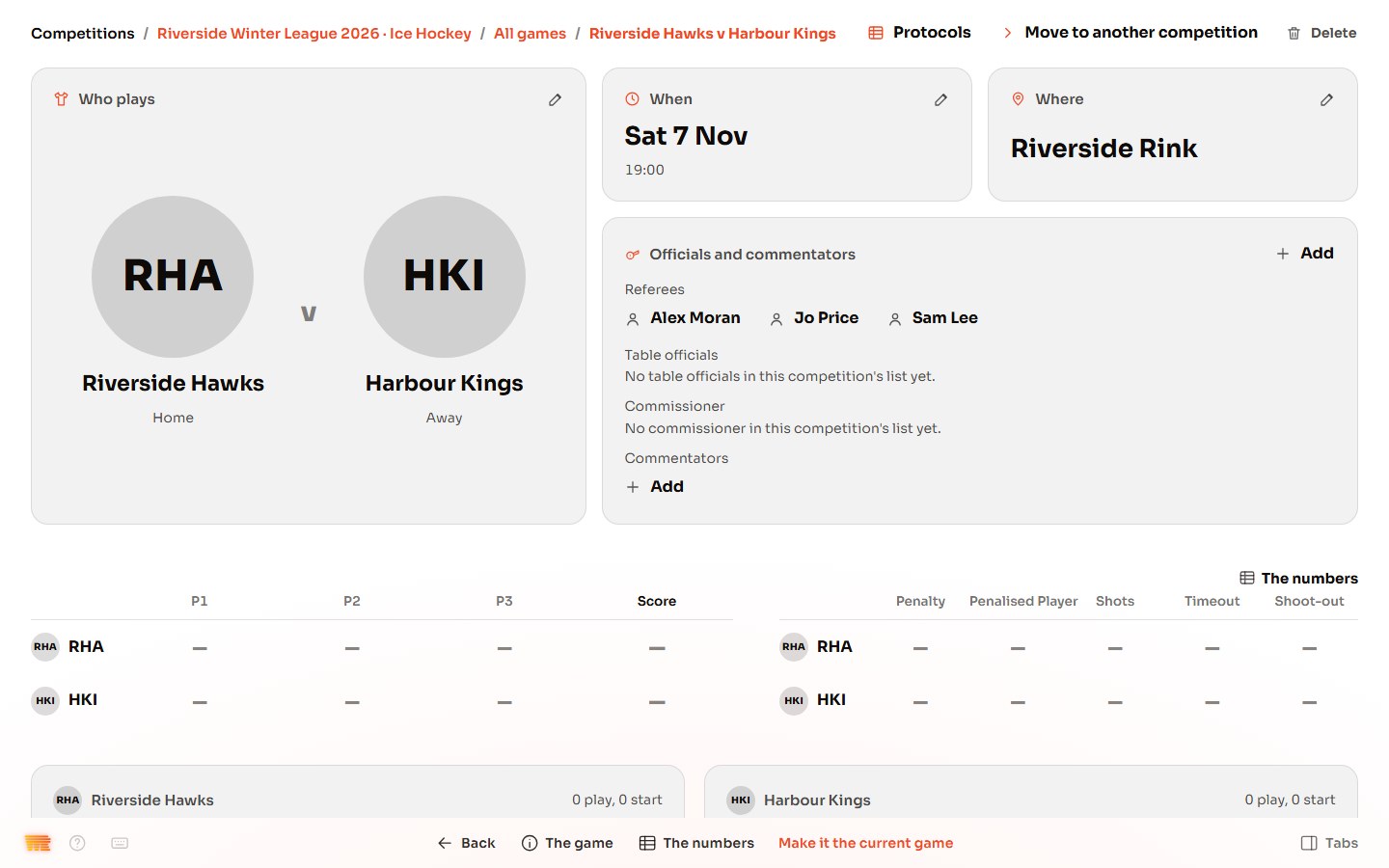
The game is on the schedule, with its officials. When it's time to play, open it and press Make it the current game.