All guides
Your day with WR Score
For a hall or venue.
One hall, many users, and a screen that must look right for each of them.

Your day.
Volleyball at six, basketball at eight, a futsal tournament at the weekend. Each group wants the board, the music and its own sponsors. You're the one they call when the screen goes dark.
Your problem.
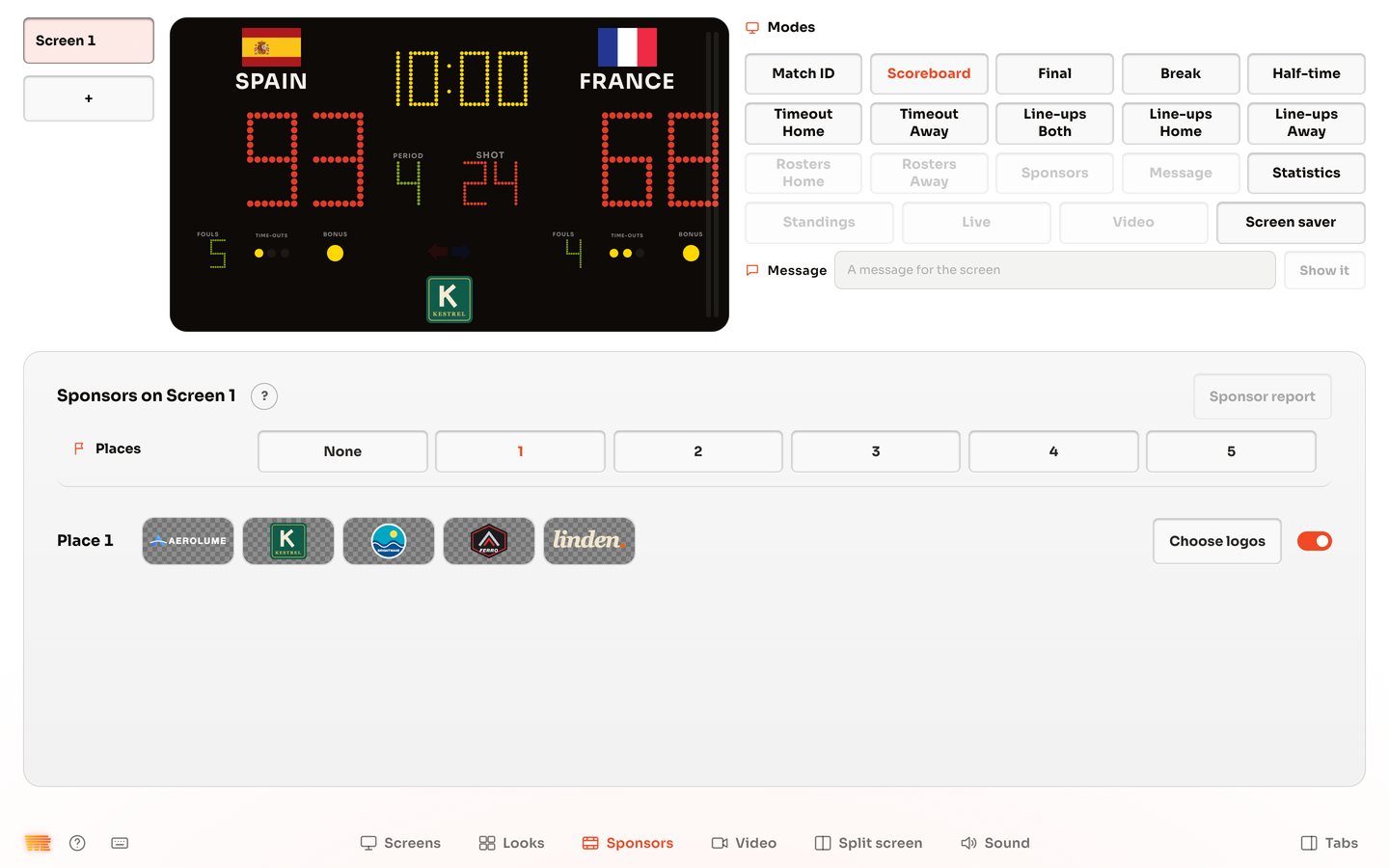
Each sport and each hirer wants something else from the same wall. Your own partners want to be seen, whoever is playing. And you can't stand beside the screen all evening.
How WR Score helps.
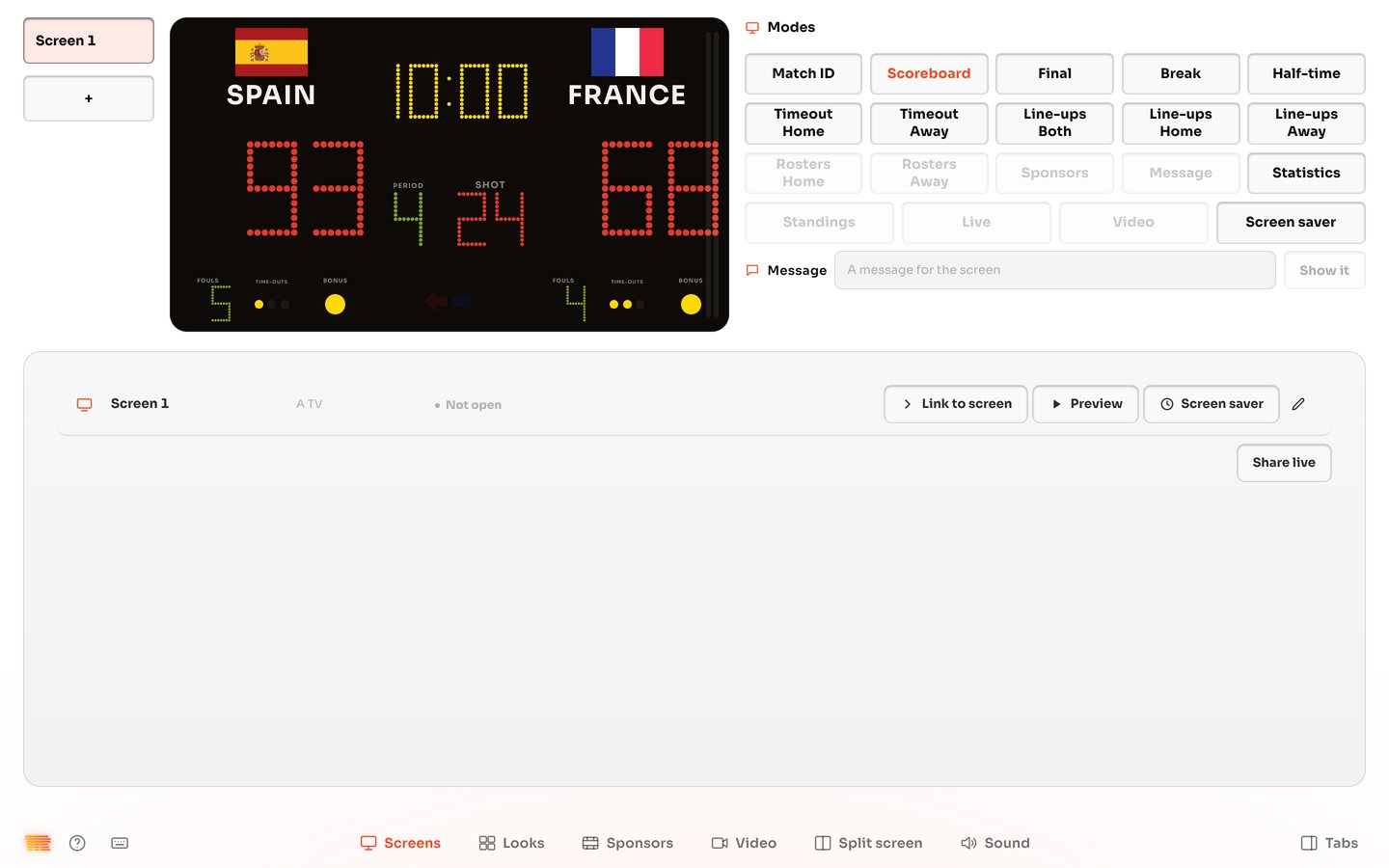
- One link for each screen, set once, on a TV, an LED wall's player or a laptop. Up to four screens.
- Any shape of screen. A TV, an LED ribbon, a square panel, an upright screen, or a size of its own.
- Modes at a press: Scoreboard, Half-time, Final, Rosters, Sponsors or Message. Screen saver makes a screen black until you need it.
- A venue profile for each setup holds the sport, its rules, the screens and the graphics, and you switch them as one.
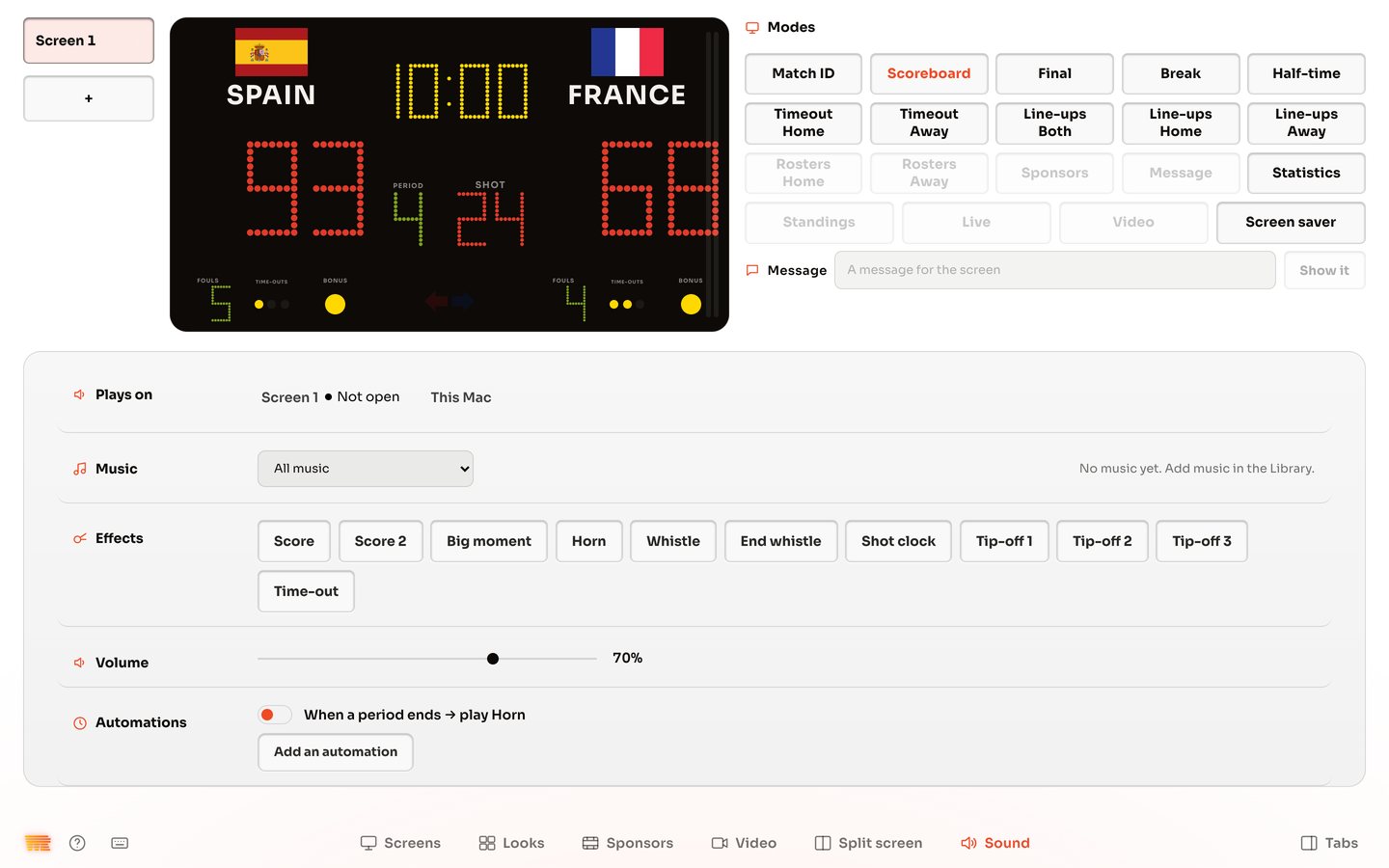
- Sound from one tab, with rules such as a horn when a period ends.
The three guides you need