All guides
Your day with WR Score
For a youth club.
Several teams, a Saturday full of games, and a coach who also runs the table.

Your day.
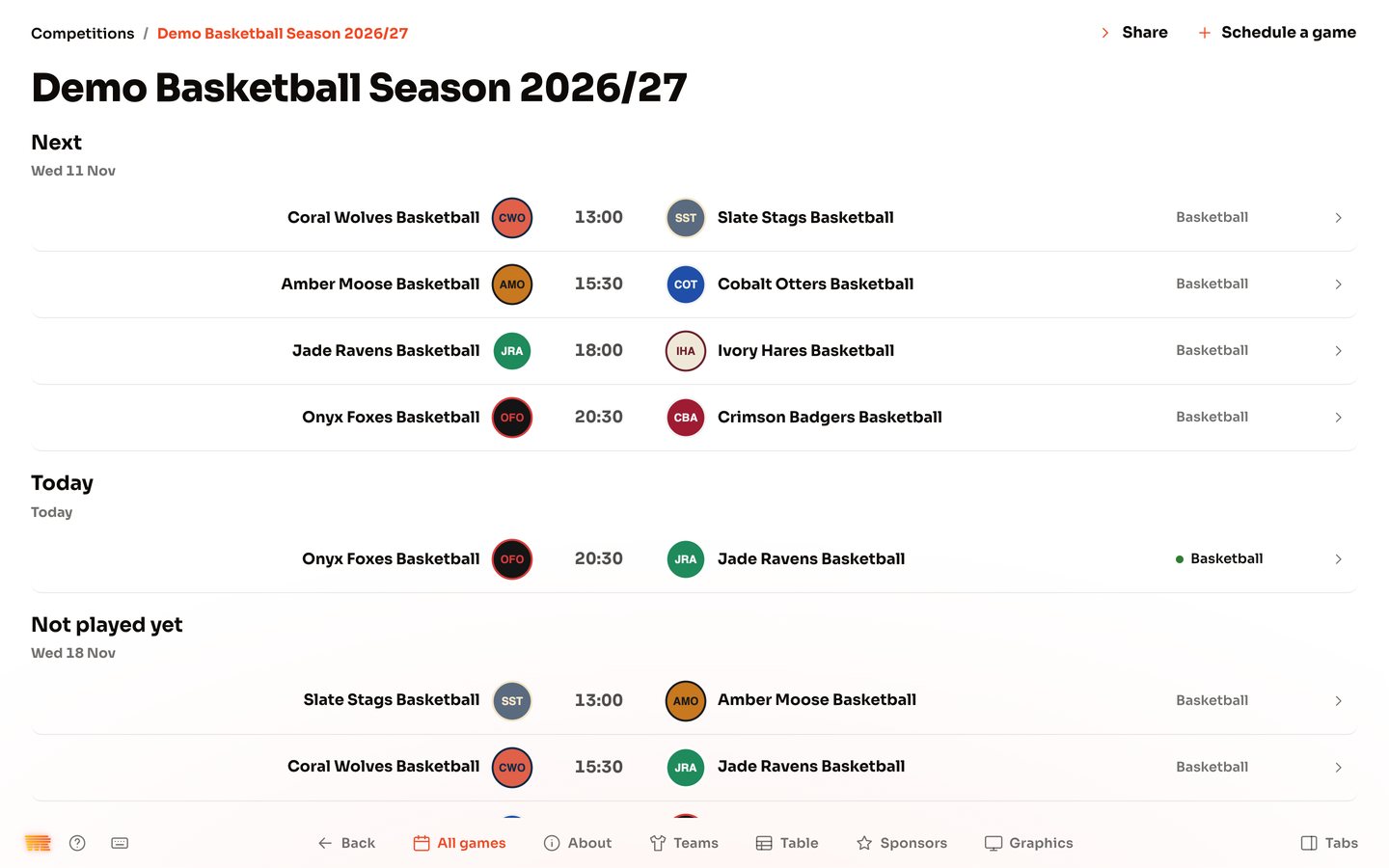
Six teams play on Saturday, from the under-tens up. The coach of one game keeps the table at the next. By lunchtime somebody has asked for the results, and a sponsor wants to know if the logo was seen.
Your problem.
You have one hall, few hands and no time. Results end up in a group chat, the team sheet is on paper, and a post for the club's page waits until Monday.
How WR Score helps.
- Your teams kept once. Each team's players are kept on the team, and each game picks from them.
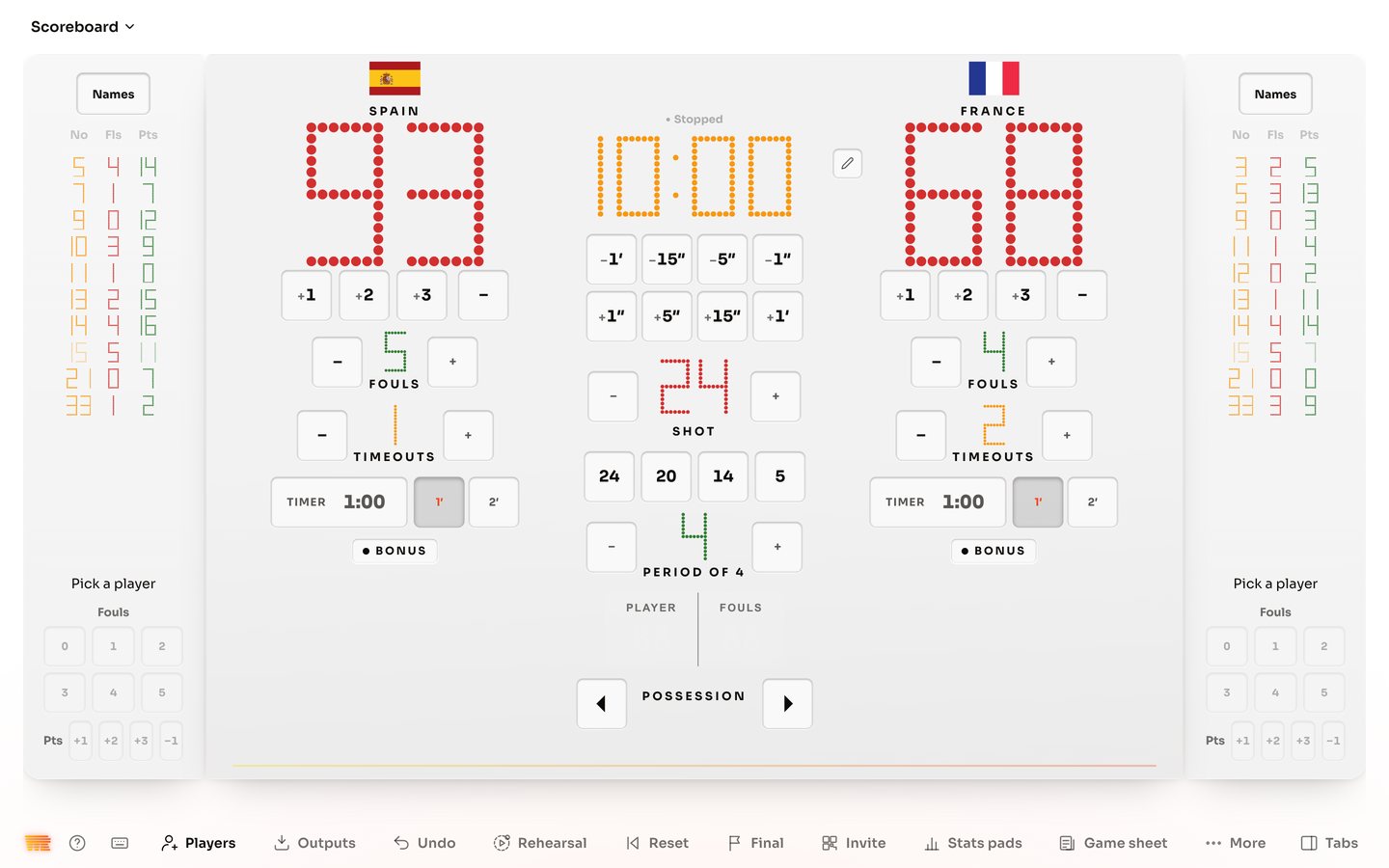
- A table that counts for itself. Press Final at the end of a game, and the division's table counts it.
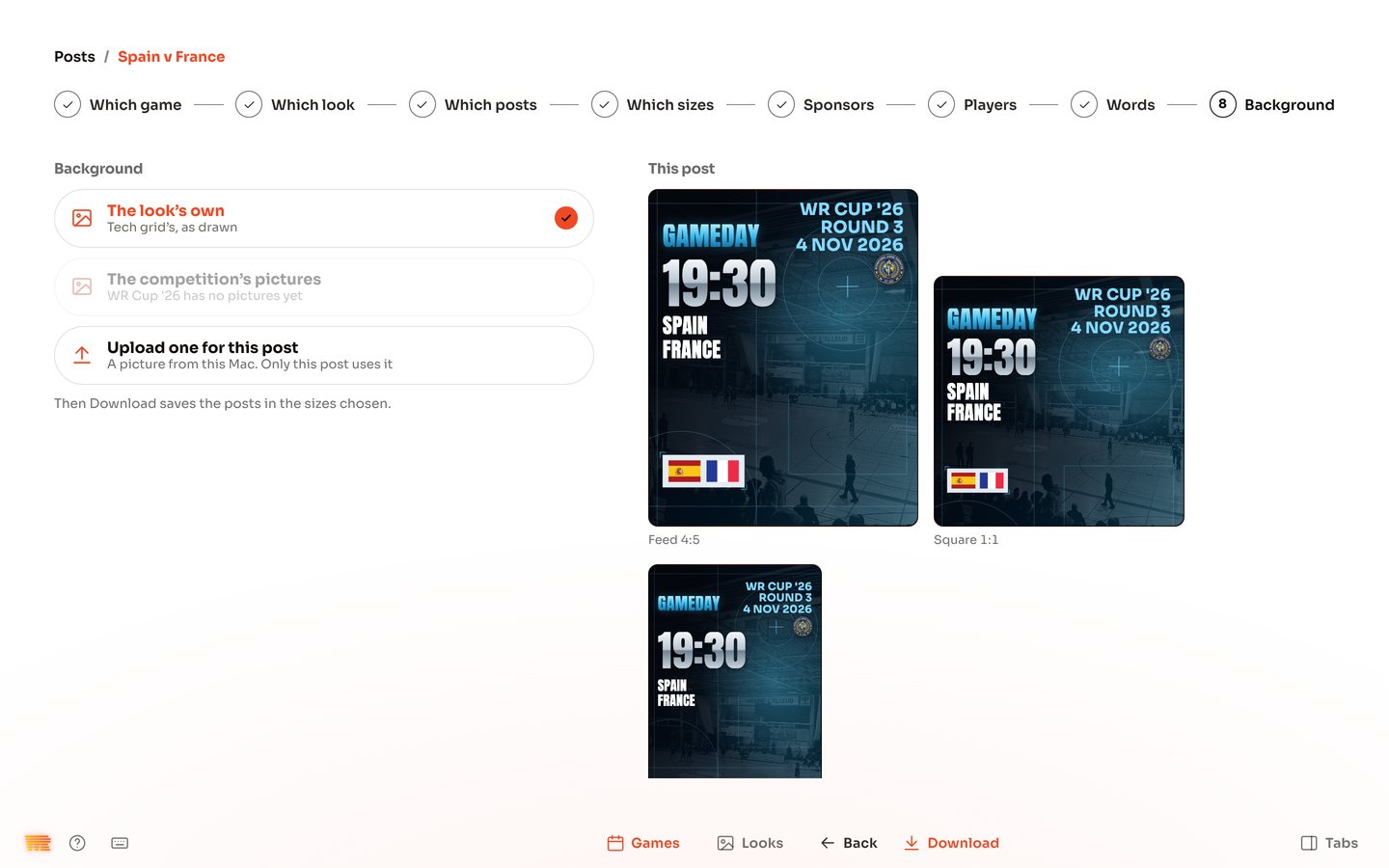
- Posts right after the whistle. Pick the game, the look and the sizes, and save the pictures. You post them yourself.
- Sponsors added once, for your hall screens, your posts and your widgets.
- Photos are your choice. A team works without them. Before you add a photo of a player, you need their consent, and a parent's or guardian's for anyone under 18. WR Score doesn't ask or check.
The three guides you need