All guides
Scoreboard
Install WR Score on a Mac.
WR Score runs on the device at your scorer's table. These steps are for a Mac with an Apple chip.
- Sign in to your account on score.well.run. Find the panel Get WR Score, and press Mac with Apple chip.
- Open the file you downloaded.
- In the window that opens, drag WR Score to Applications.
- Open WR Score from your Applications folder. The first time, macOS asks if you want to open it: press Open.
- On WR Score's first screen, press I already have an account, and approve this device.
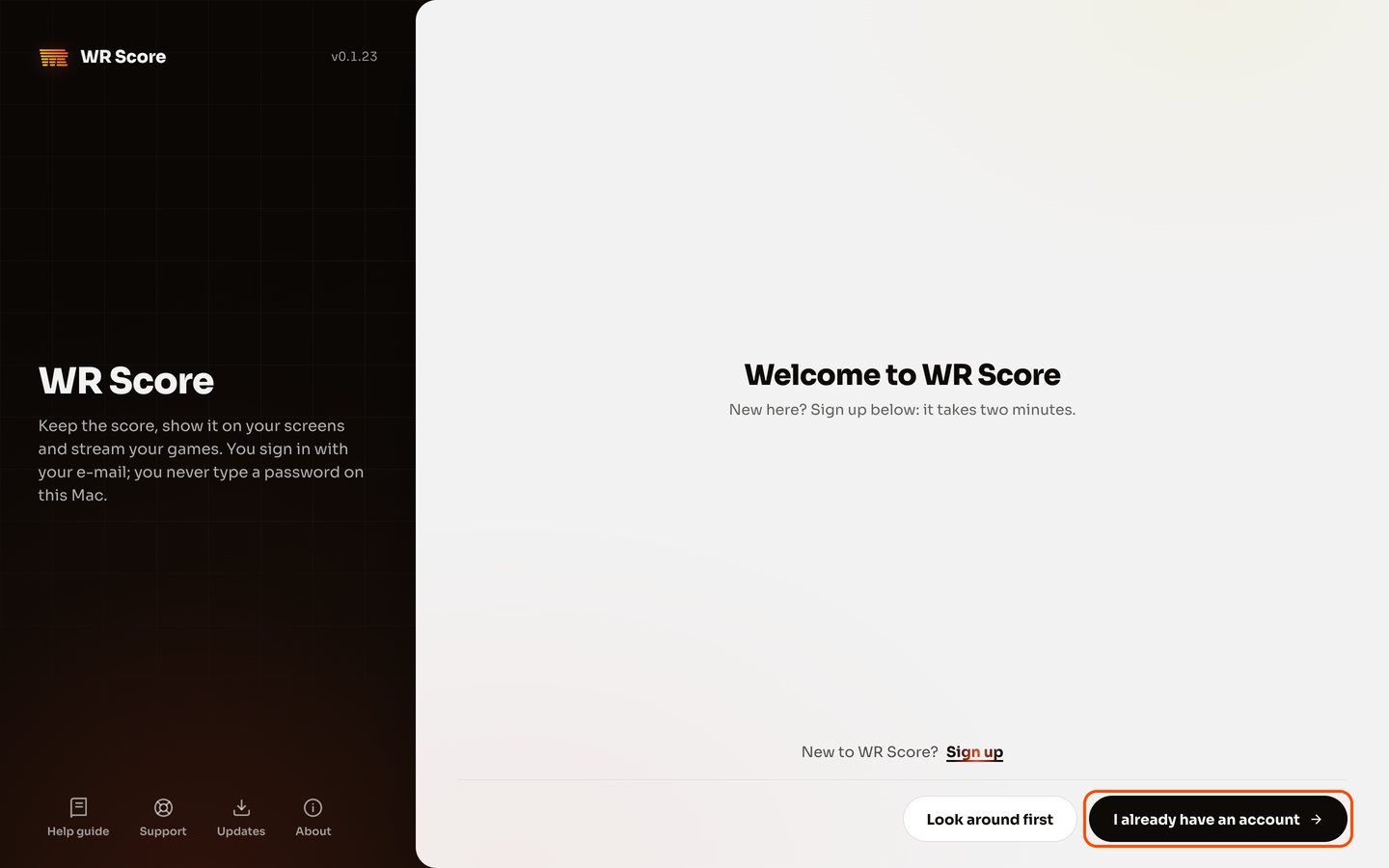

Your first game takes about 5 minutes to set up: WR Score asks a few questions, one step at a time.
An Intel Mac has its own steps, because macOS asks in Privacy & Security first: see Installing on an Intel Mac in WR Score's Help.