All guides
Your day with WR Score
For a school or college.
A PE teacher, students helping, and parents watching from home.

Your day.
Teaching ends at three, and the game starts at four. The student who kept the score last week has an exam today, so someone new sits at the table. Parents ask if they can see the score from home, and the head of sport asks about the other age groups.
Your problem.
The people change every week, and you can't train them every week. Age groups pile up. The hall's scoreboard shows the score to the hall, and nobody else can see it.
How WR Score helps.
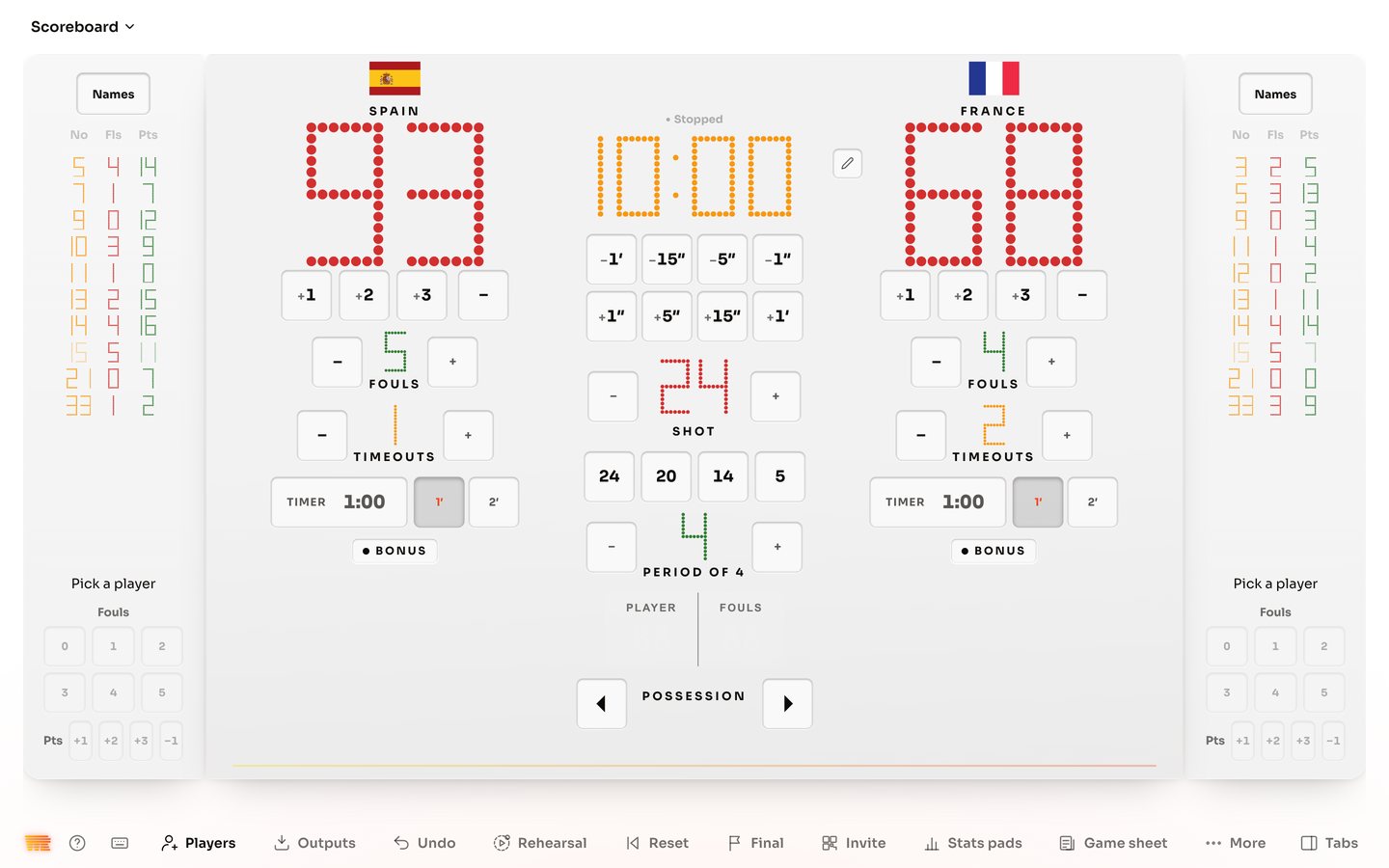
- One board, with only your sport's keys. A new helper presses what they see, and Undo takes back the last press.
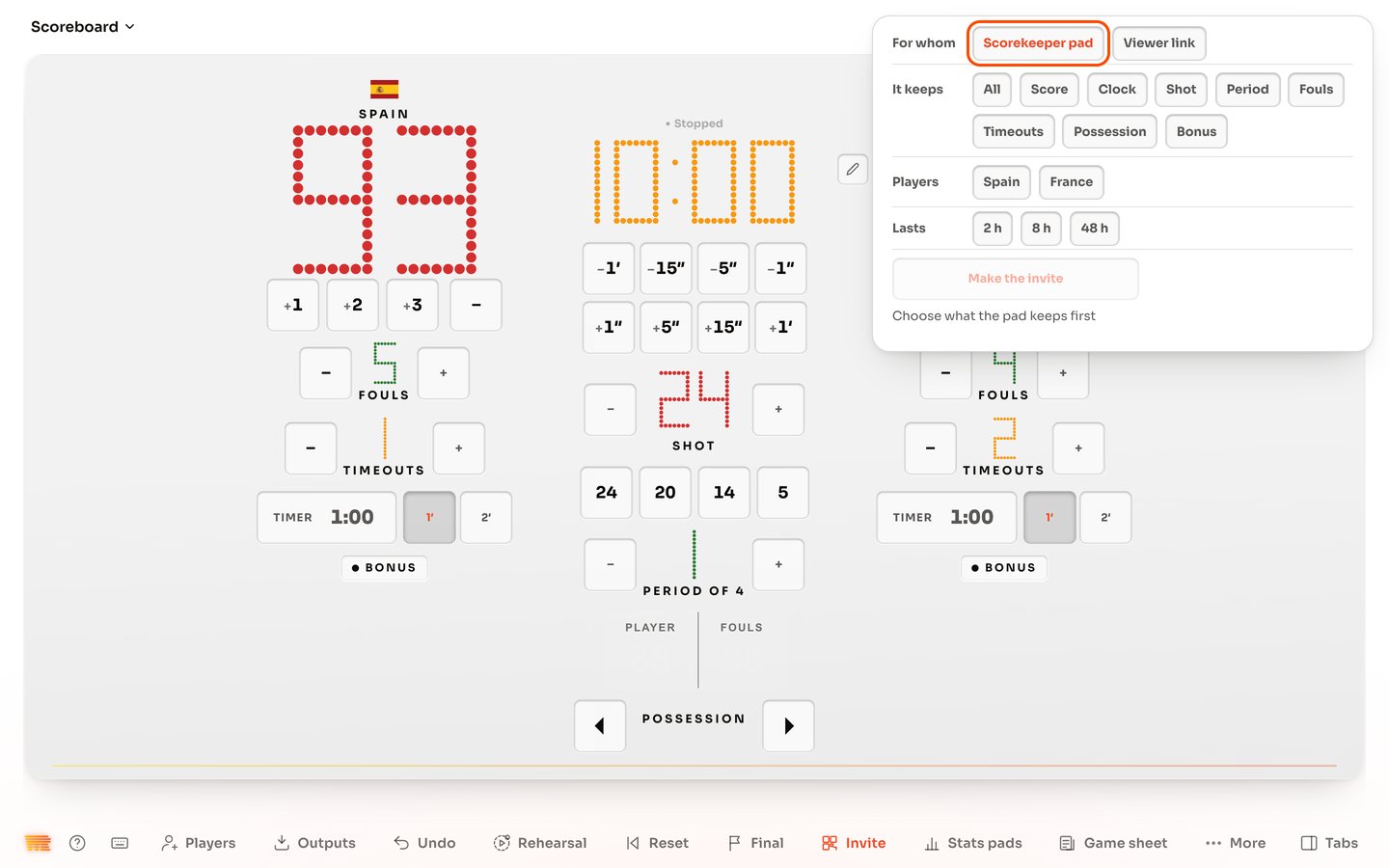
- A phone at the table. A scorekeeper's link opens in a phone's browser, with no app and no account, and you choose how long it lasts. Accounts are from 18, so students work on the school's device or on a link, never on an account of their own.
- Each age group as a division, with its own games and its own table.
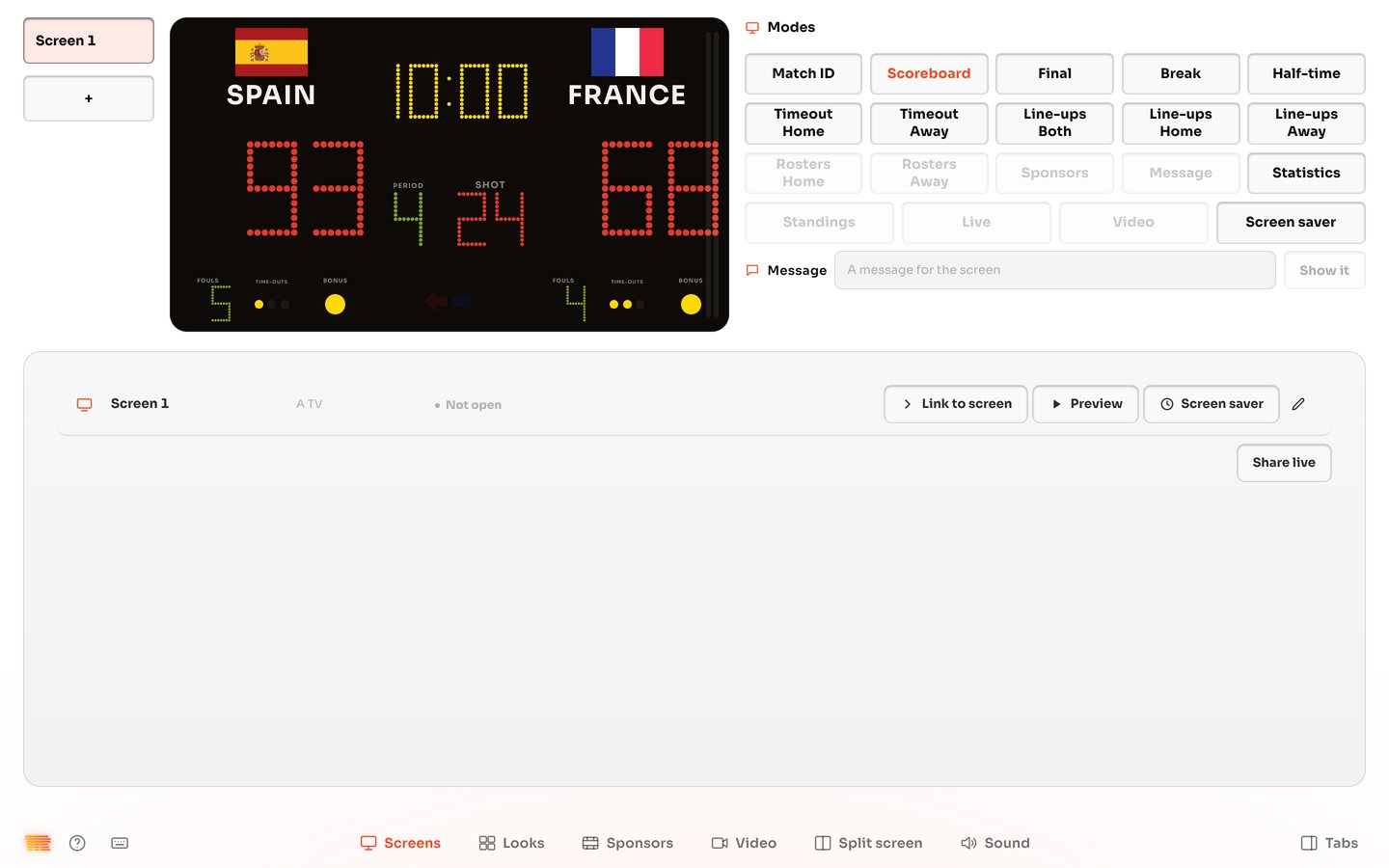
- A TV in the hall. Link it once, and it shows the board on every game day.
- Photos are your choice. A team works without them. Before you add a photo of a player, you need their consent, and a parent's or guardian's for anyone under 18. WR Score doesn't ask or check.
The three guides you need