Competitions
Import a competition file.
Bring in a competition someone sent you, with its teams, games and table, from one .wrcomp file.
You need: the competition's file (it ends in .wrcomp), and WR Score signed in.

-
Step 1
Open Competitions.
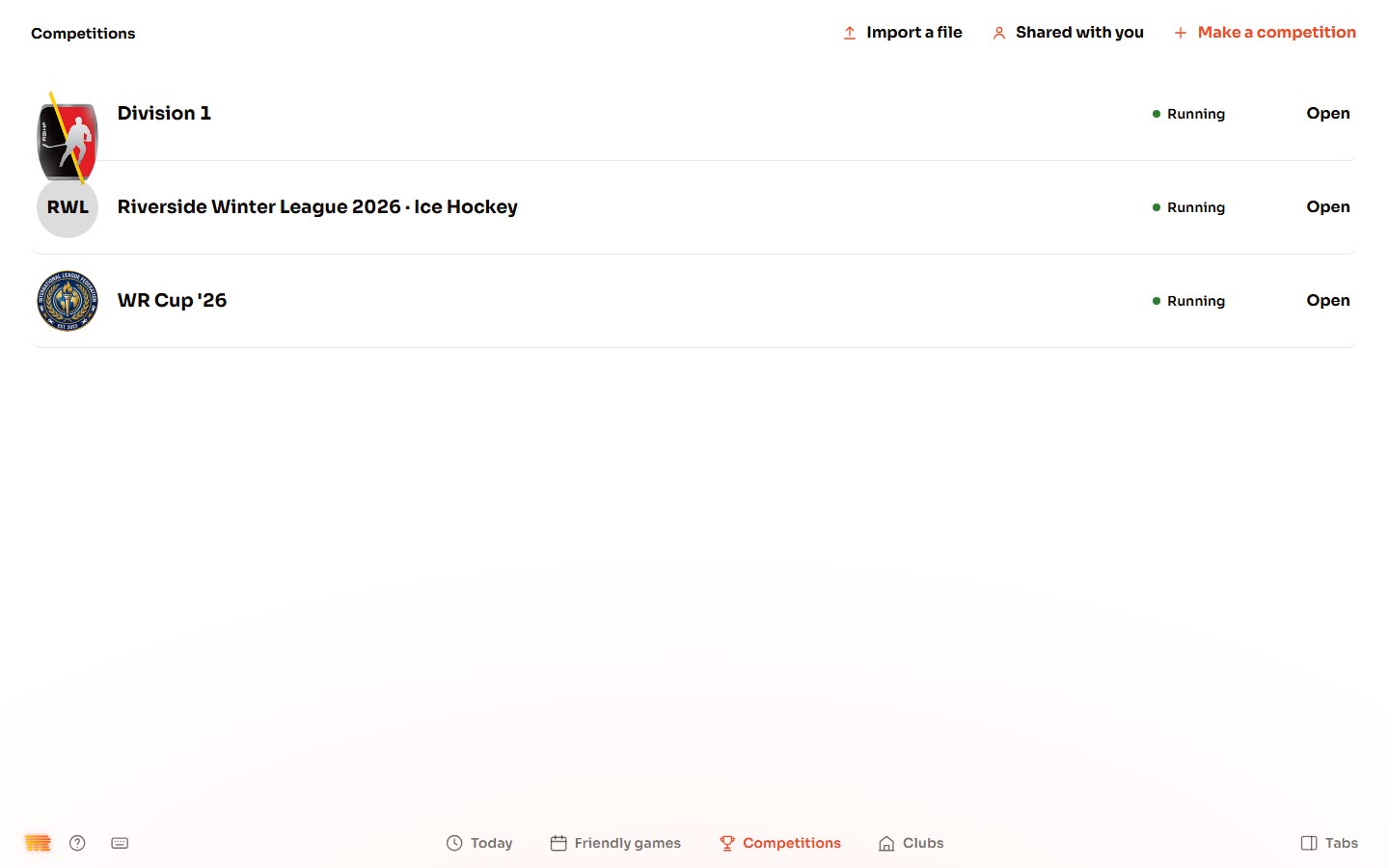
Open Competitions from the tabs on the right (press Tabs at the bottom right if they're hidden), then Competitions in the bar at the bottom. Your competitions are listed here.
-
Step 2
Choose the file.
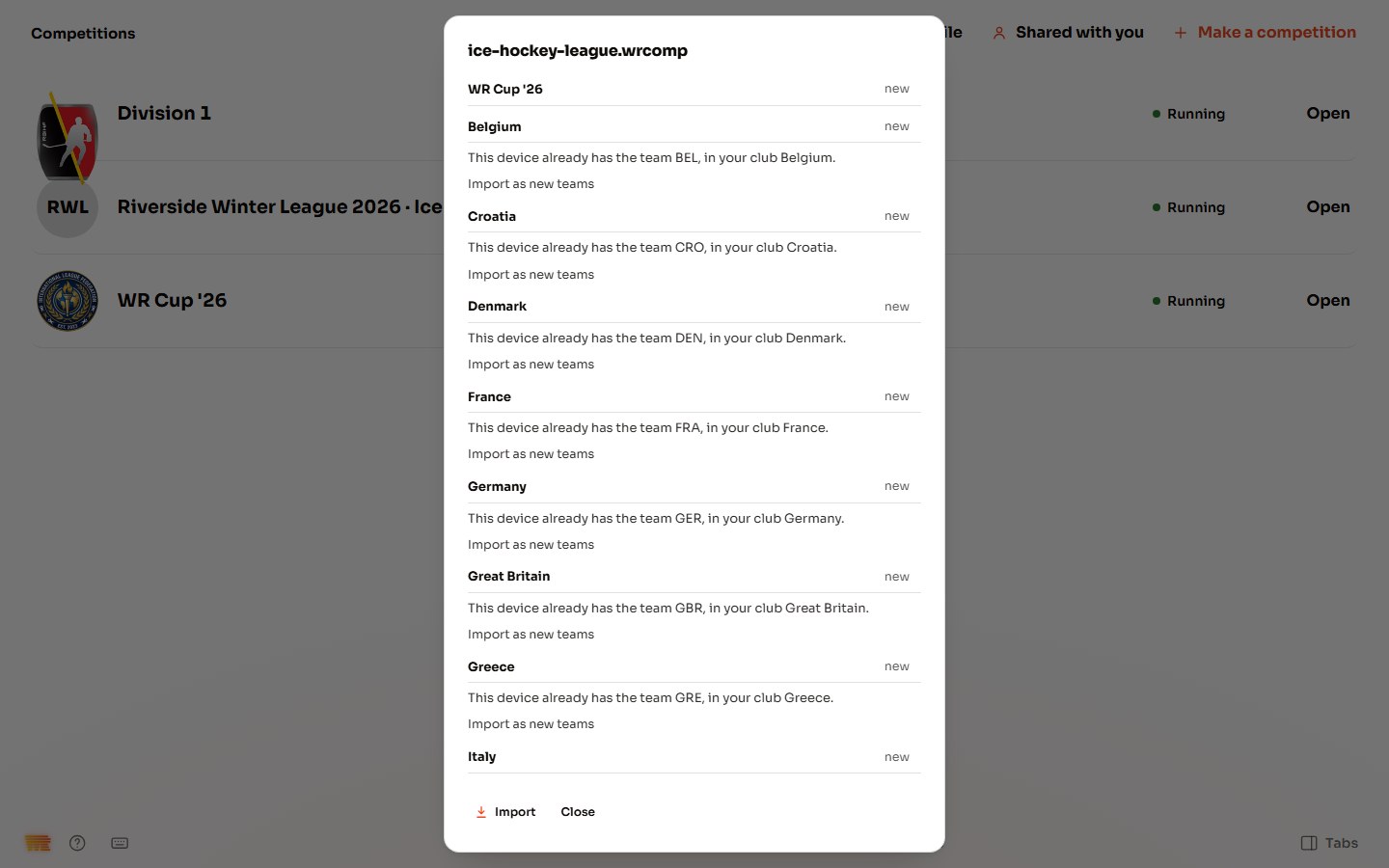
Press Import a file at the top, and pick the .wrcomp file. WR Score reads it first and changes nothing yet. If everything in it is new to this device, it comes in at once. If not, a window lists what is in it: the competition, then each club, marked new, same or differs.
- differs: choose Keep this device's or Replace with the file's.
- "This device already has the team …": choose Import as new teams, or Use your club to play the one you have.
Press Import.
-
Step 3
If the competition is already here.
The competition's row says already here. Press Import as a copy to bring it in beside yours, as "… (copy)", taking nothing away. Or slide Replace: the window first says what goes from this device (matches with numbers, team sheets, pictures).
-
Step 4
If the file is for another sport.
Competitions shows the sport set on Home. A competition for another sport comes in all the same, and waits: to see it, change the sport on Home › Sports & Rules.
-
Step 5
Your competition is in.
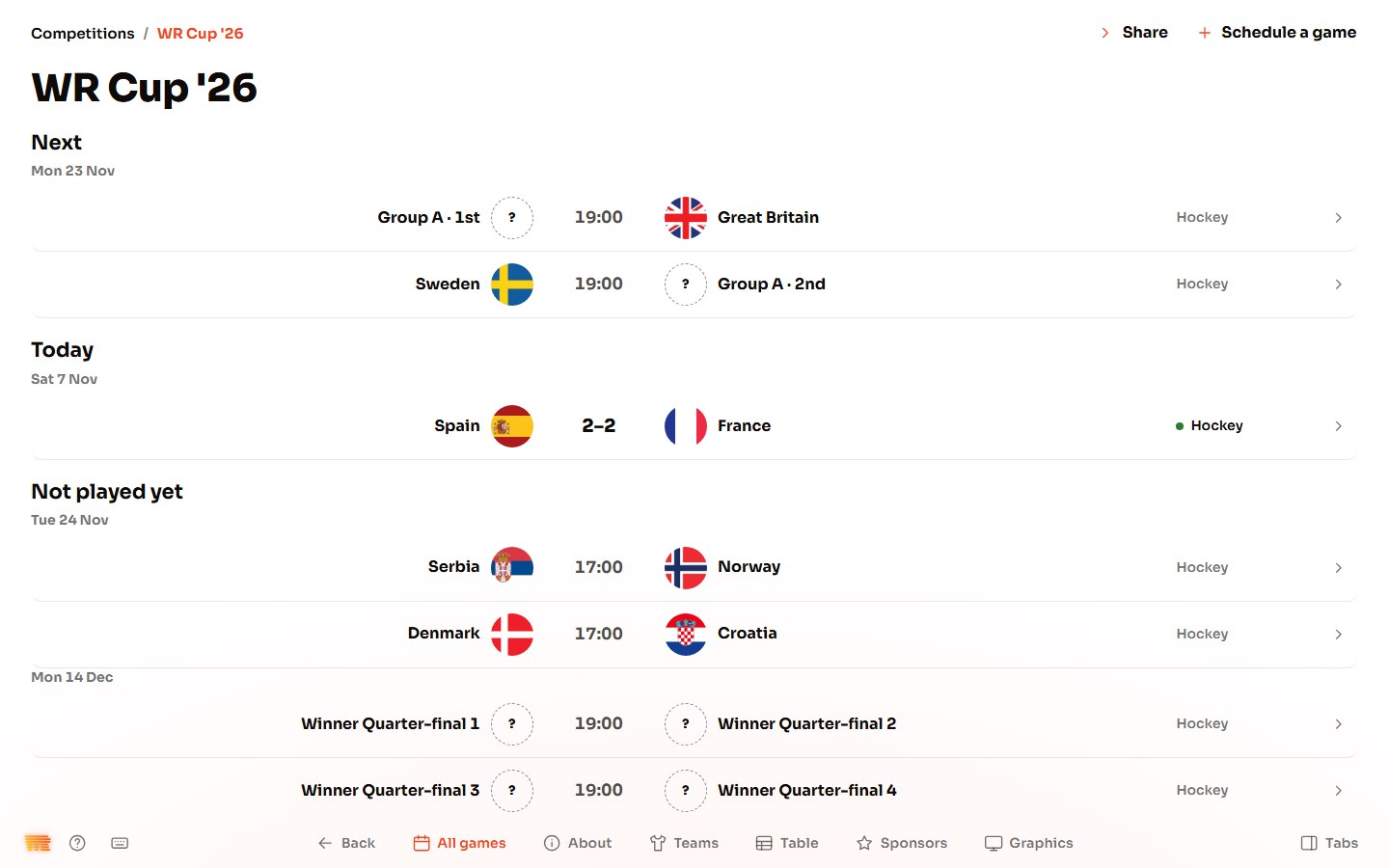
Open it. It opens on All games: what's next, today's games, and those not played yet.
-
Step 6
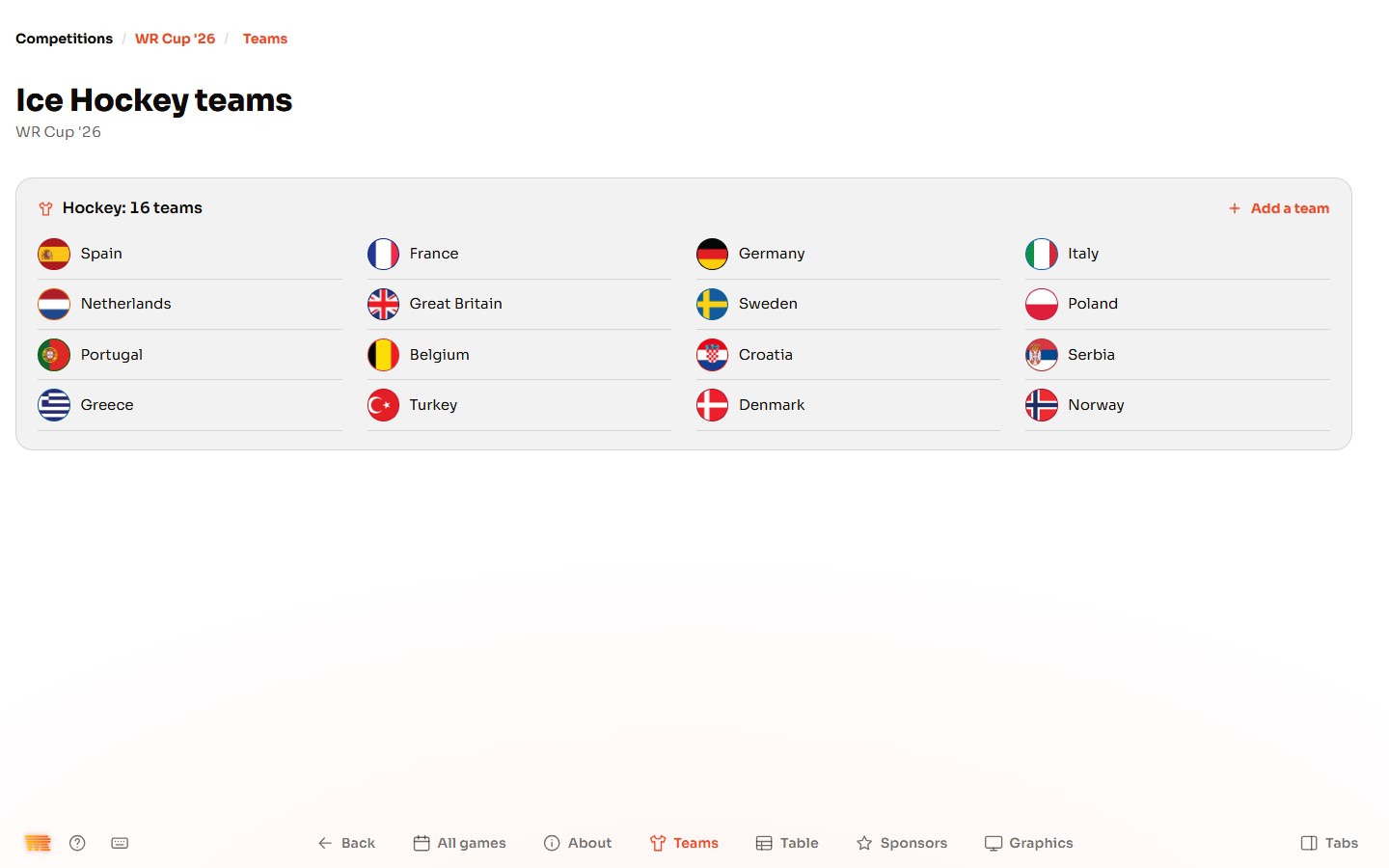
Check the teams.
Press Teams at the bottom. Every team from the file is here, with its badge. Press Add a team to add one.
-
Step 7
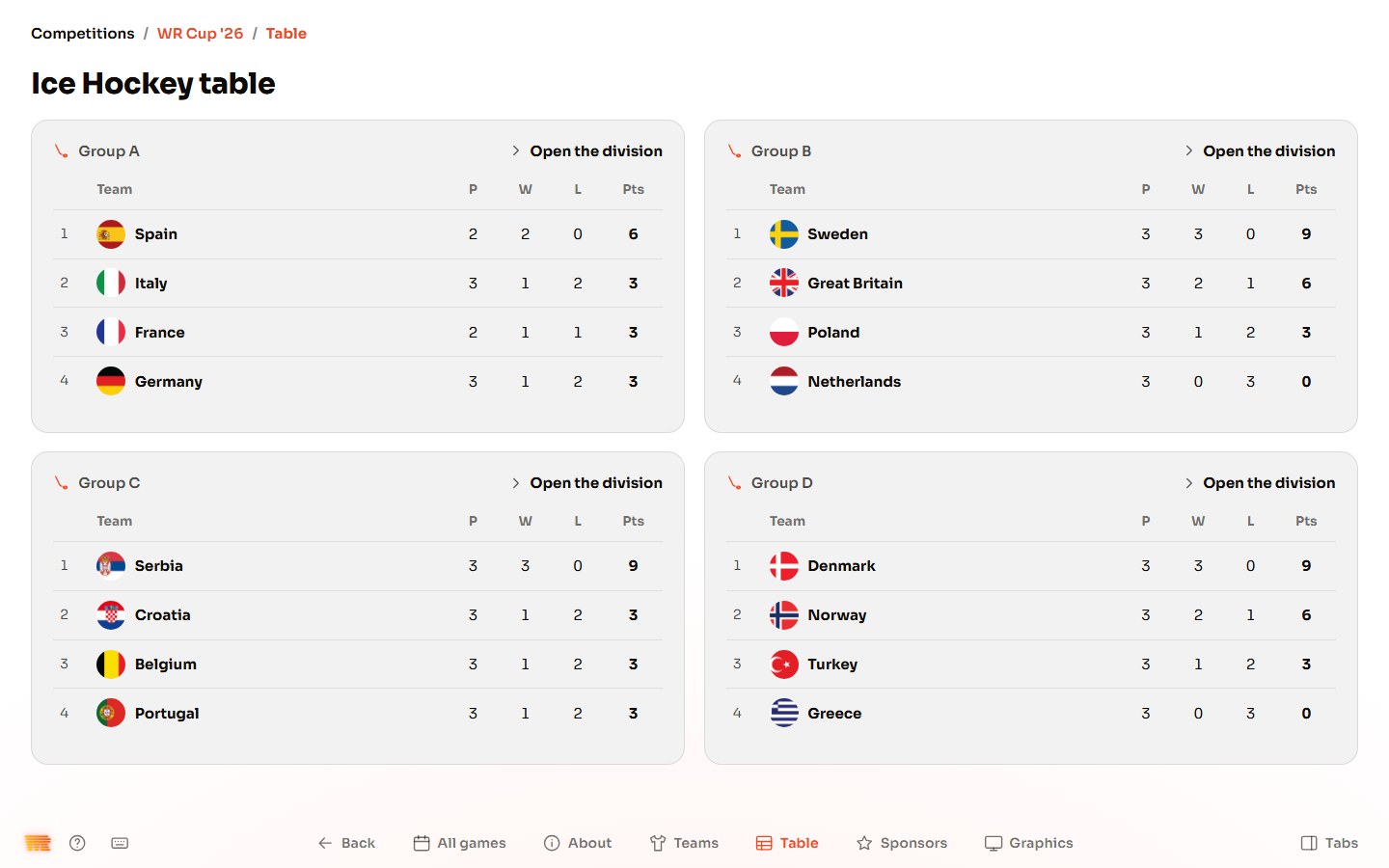
Check the table.
Press Table. It fills in as the games are played.
-
Step 8
Play a game from it.
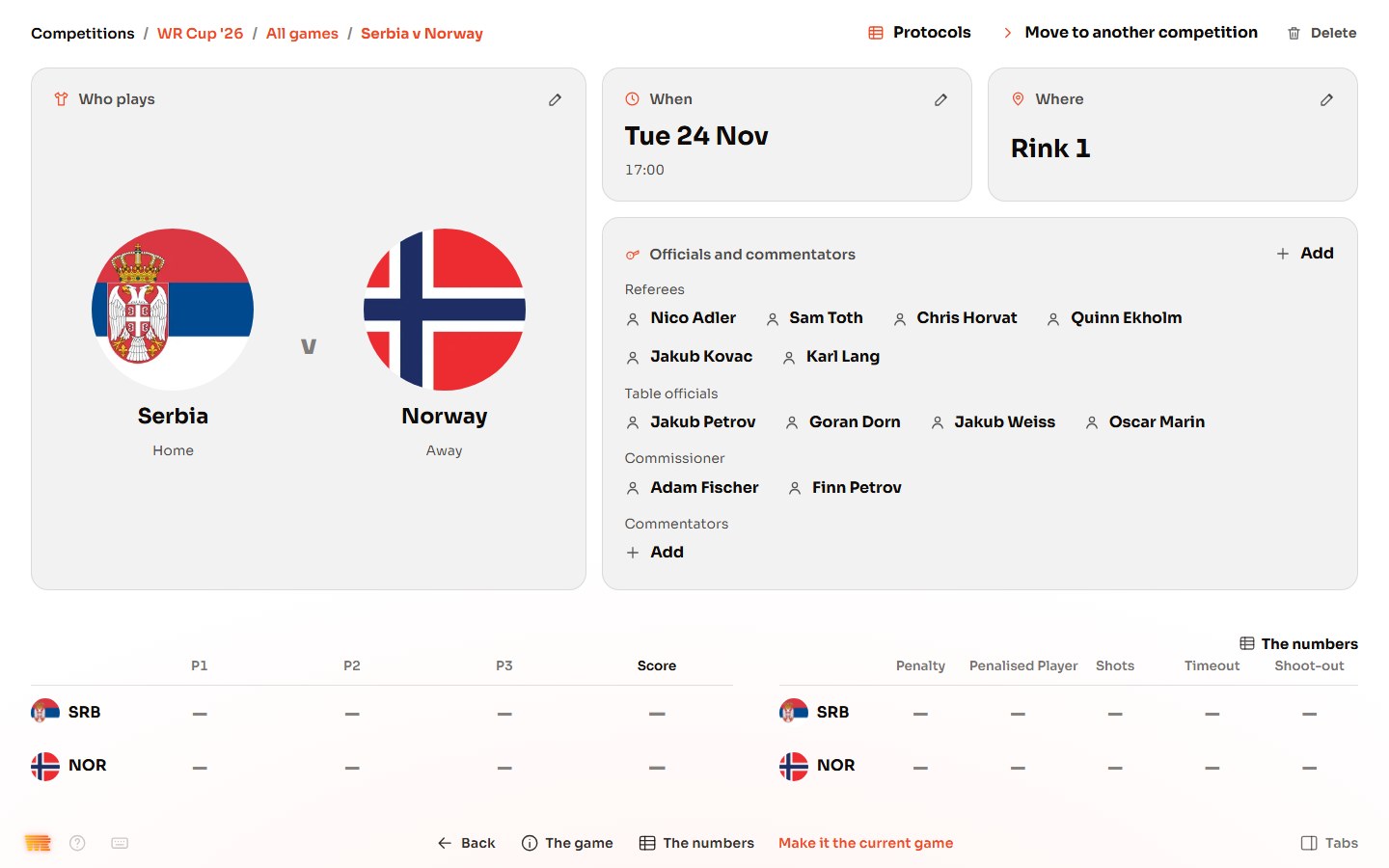
Press All games and open a game. Check who plays, when and where, and the officials. Press Make it the current game: the Scoreboard and the hall screens now show it.
If the file is refused, Competitions says why in one line; "that file could not be read" means it isn't a WR Score competition, or it's damaged: ask for a new copy. To send a competition yourself, open it, and on About open the … menu and press Export. The file carries the players' names and photos: send it only to people who should have them.