Graphics
Add WR Score's live titles to vMix.
WR Score's titles and score in vMix, on a PC on the same network. Use our titles, or keep your own and let WR Score fill them.

Our titles, as one input.
- In WR Score, open Graphics › Output and switch on Open to the hall's network.

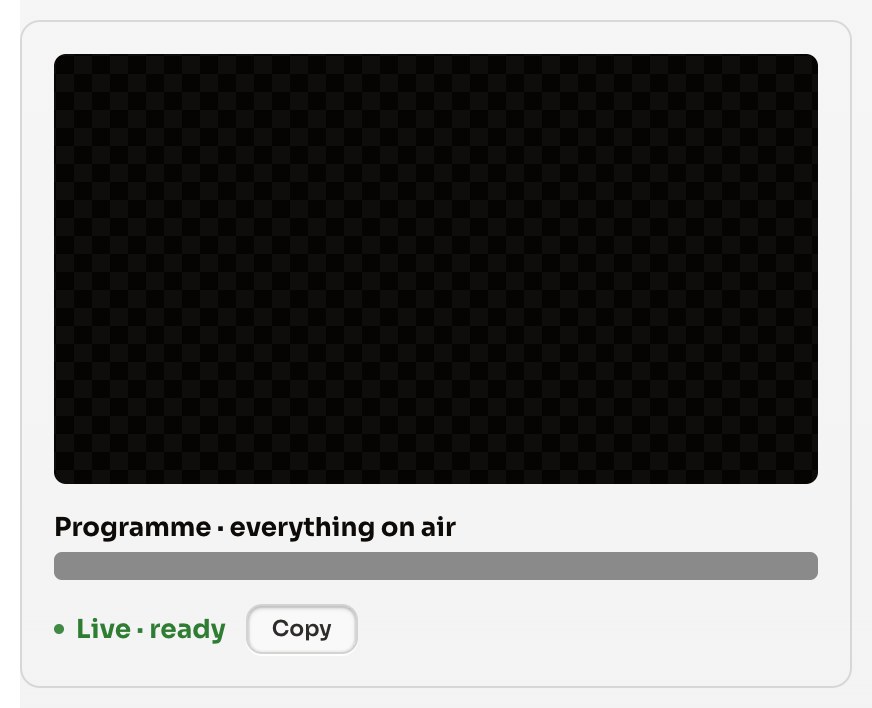
- On the first card, Programme · everything on air, press Copy.
- Send the address to the vMix PC, in a message or a note. The address carries a key: send it to that PC only, never into a group chat or a post.
- In vMix: Add Input › Web Browser, paste the address, 1920 × 1080, OK.
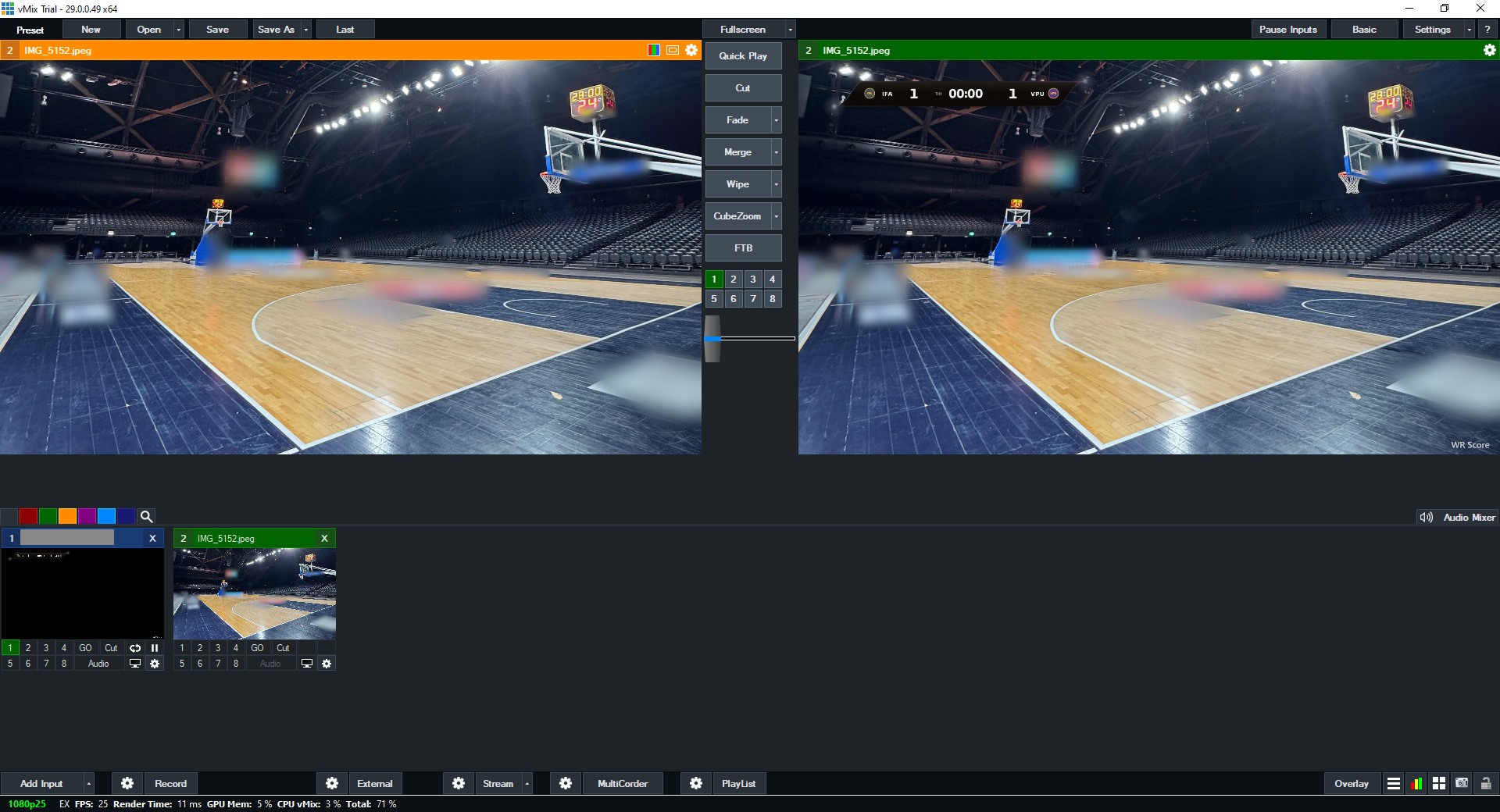
In vMix, Add Input, then Web Browser. Paste the address and set 1920 × 1080.
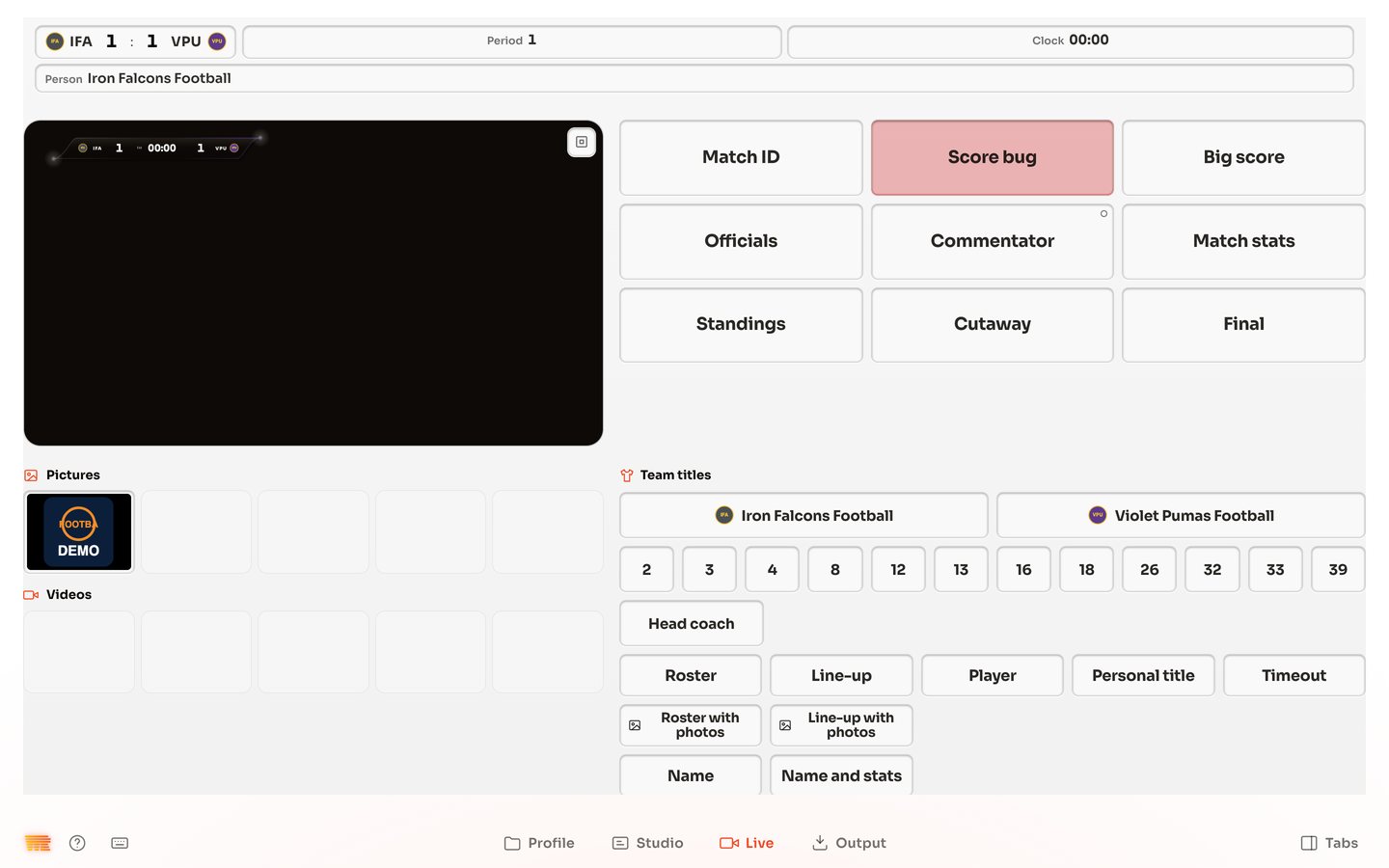
- In WR Score, open Graphics › Live and press a title, such as Score bug: the title plays in vMix, over your video.


If Windows asks whether WR Score may be reached, tick Private networks only, leave Public unticked, and press Allow. Open WR Score to the hall's own network only, never a guest or public Wi-Fi, and switch it off after the game. Regenerate overlay address, at the top of Graphics › Output, stops every copied address.
Windows asks whether WR Score may be reached. Tick Private networks, leave Public unticked, then press Allow.
Your own titles, our data.
Keep the GT title you designed. WR Score fills its texts with the live score, the teams and the clock.
- In WR Score, open Graphics › Output, with Open to the hall's network on.
- Under Your own titles, our data, on As XML, press Copy, and send the address to the vMix PC. The address carries a key: send it to that PC only, never into a group chat or a post.
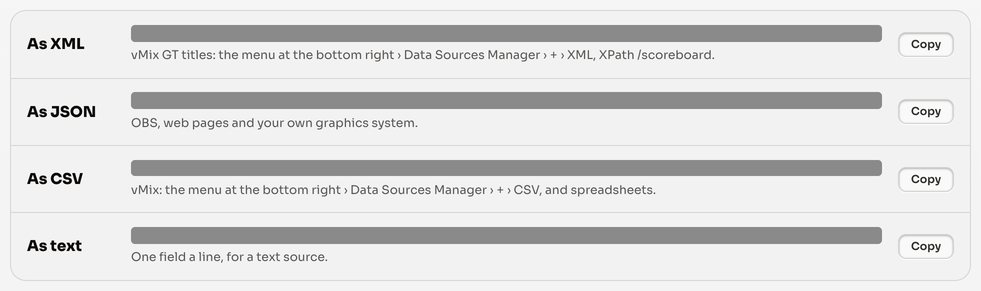
- In vMix: the menu at the bottom right › Data Sources Manager › + › XML, paste the address.
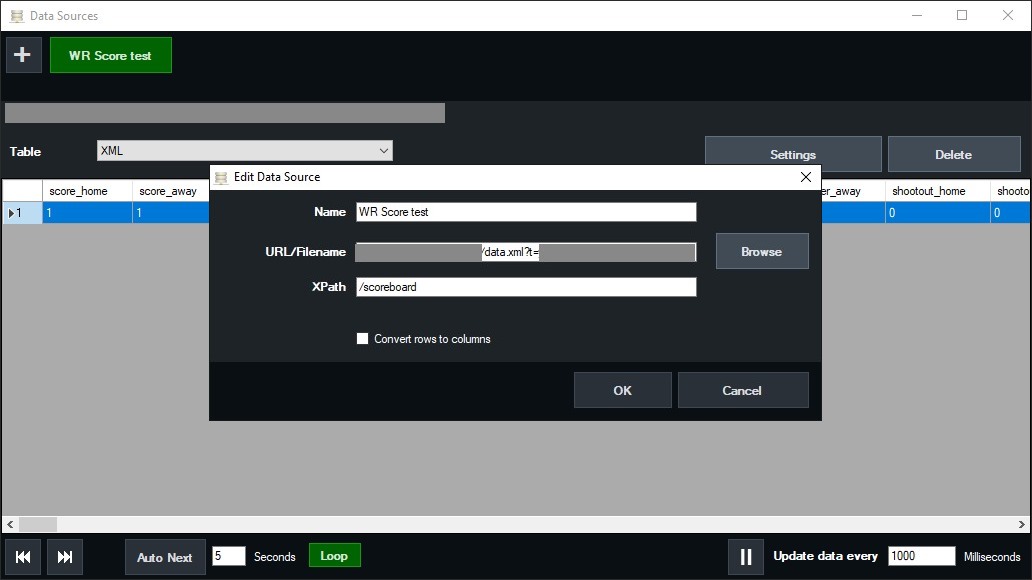
- Set XPath to
/scoreboard, then OK. In the Data Sources window, set Update data every to1000milliseconds or less. - Open your GT title's Title Editor and choose a text. Press Data Source, pick your source, and set Column to a field:
score_home,score_away,team_home_name,team_away_name,clock,period. Do the same for each text.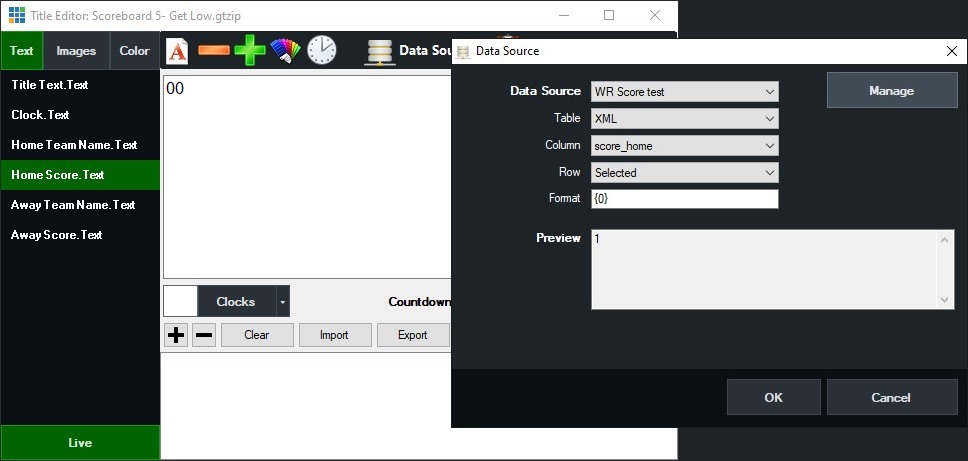
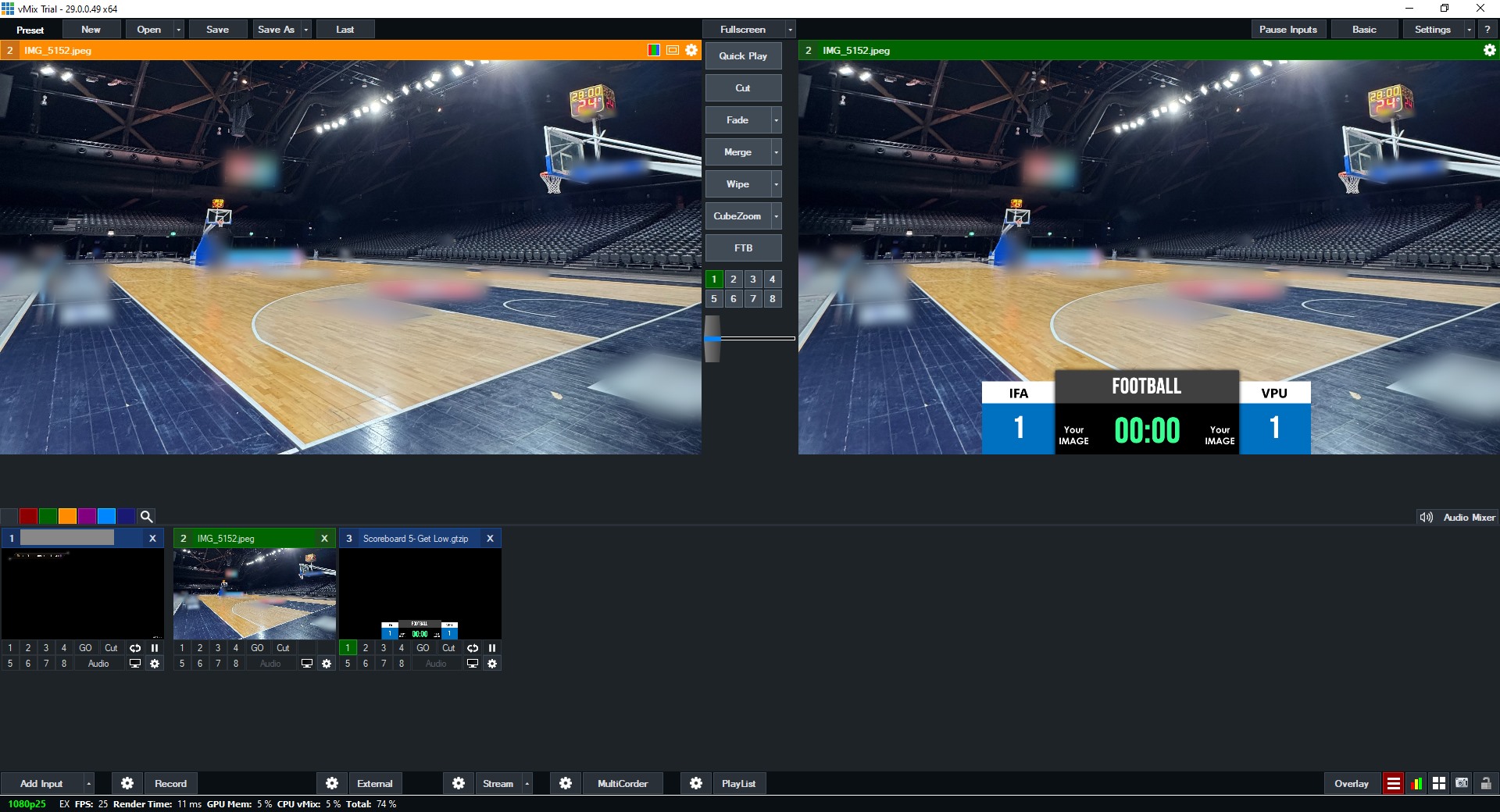
- Change the score in WR Score: the title follows.


The full list of fields for your game is the address itself: open it in a browser.