All guides
Your day with WR Score
For a small production company.
A different hall each weekend, a client's look, and a van with vMix.

Your day.
Load in at noon, on air at five. The client has a designed title pack, the venue has its own scoreboard, and the operator at the table has never seen your system. Next weekend it's another sport in another hall.
Your problem.
Typing scores into titles is where live errors come from. Each client wants their own look, and each hall starts from nothing. You need the data, and you don't need another graphics system.
How WR Score helps.
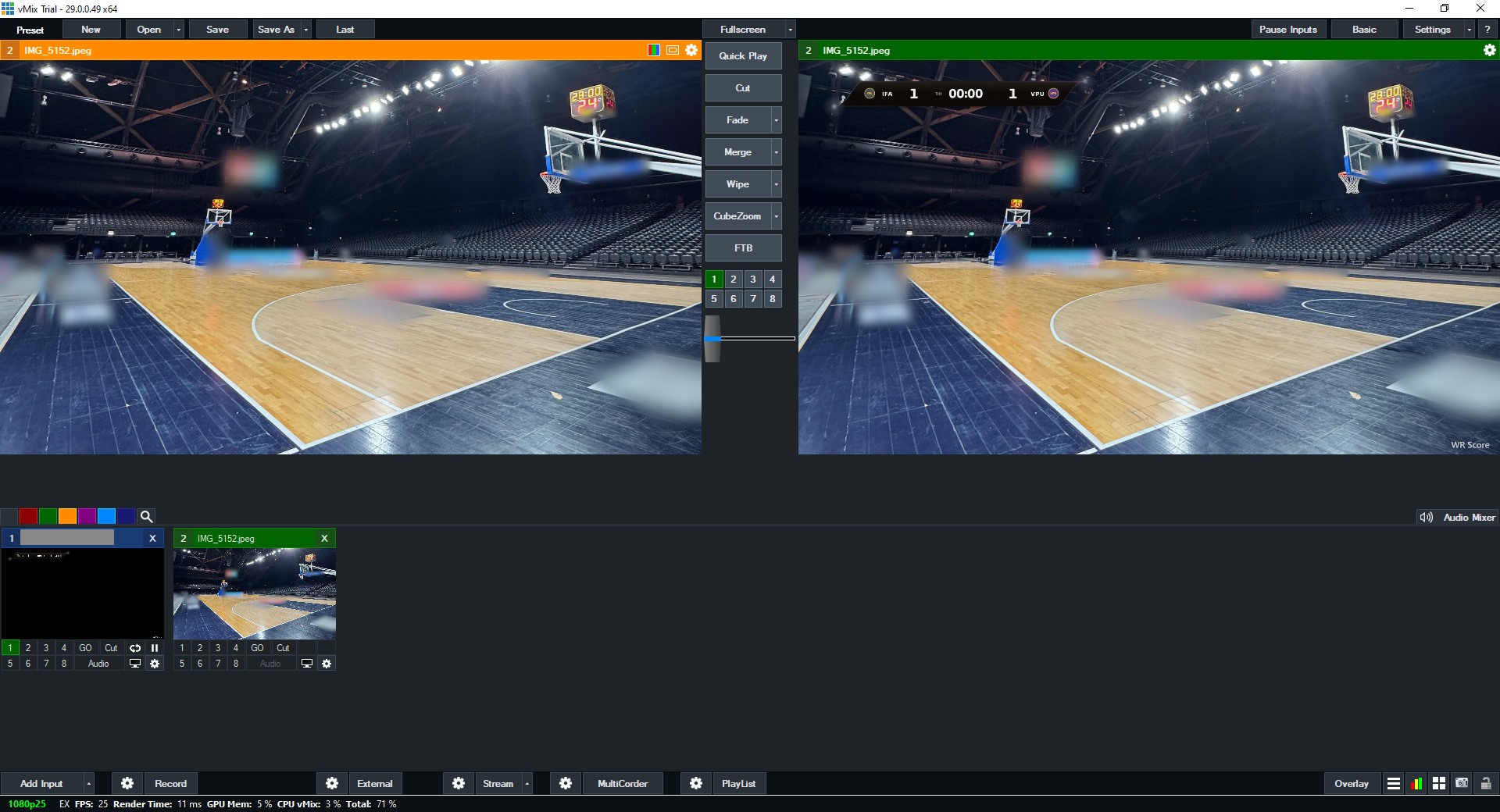
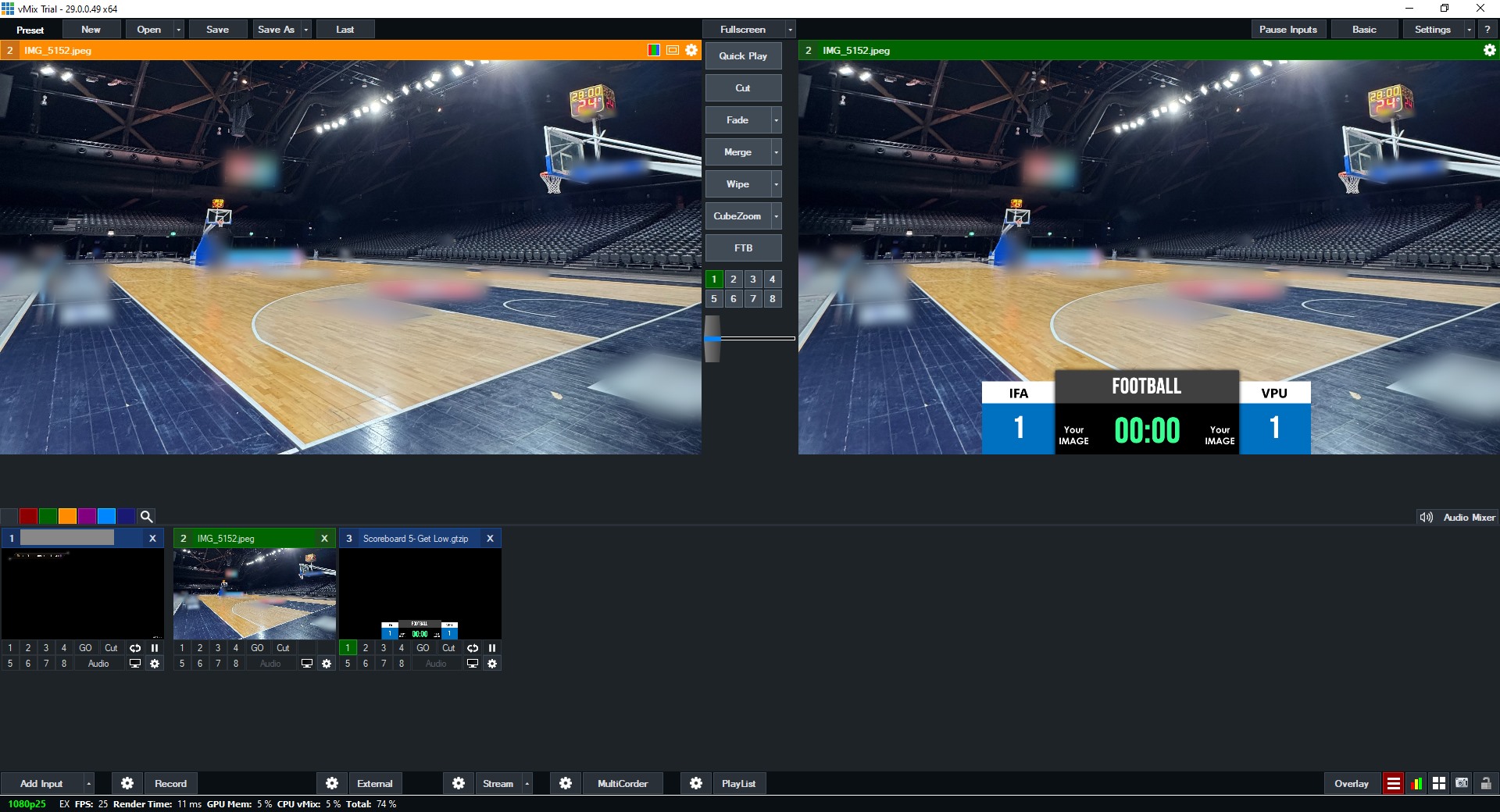
- Keep your own titles. WR Score fills your vMix GT titles, or OBS's texts, with the live score, the teams and the clock.
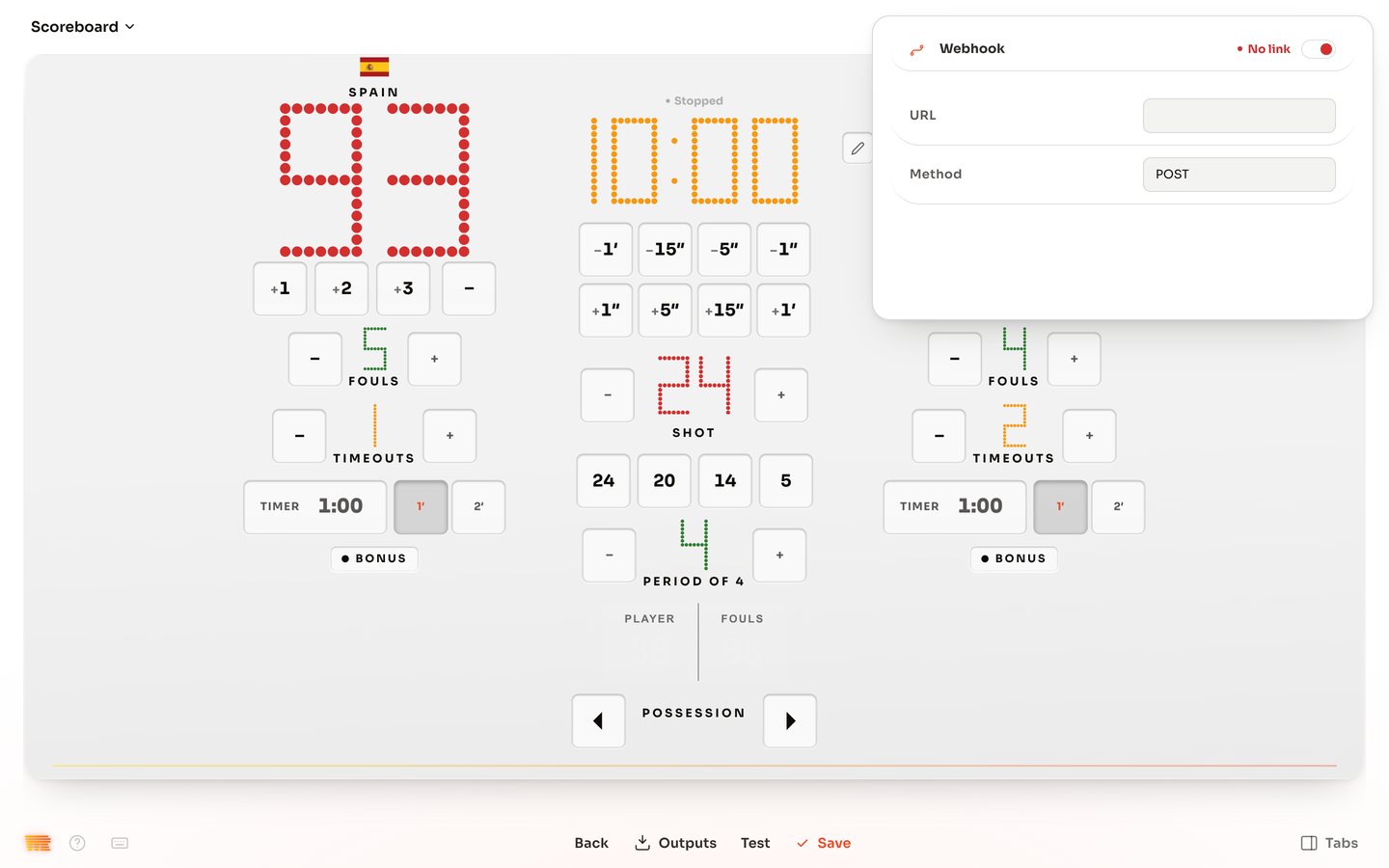
- Data your system can read: XML, JSON, text files, a webhook, and more protocols under Outputs.
- A venue profile for each job, with its sport, rules, boxes and graphics, switched as one.
- Reading the venue's scoreboard. A camera reads the numbers on the hall's own board, and WR Score shows how sure it is of each.
The three guides you need